|
KiloClaw Brand Profile |
|
|
Brand Name |
KiloClaw |
|
Parent Company |
Kilo (Kilo AI) |
|
Founders / Leadership |
Scott Breitenother (Co-founder & CEO), backed by GitLab co-founder Sid Sijbrandij |
|
Launched |
February 24, 2026 (general availability) |
|
Category |
Hosted AI Agent / Managed OpenClaw Service |
|
Built On |
OpenClaw (open-source agent framework) |
|
Hosting Architecture |
Multi-tenant Virtual Machines on Fly.io |
|
Instance Specs |
2 shared vCPUs, 3 to 4 GB RAM, 10 GB persistent SSD |
|
Model Access |
500+ AI models via Kilo Gateway, BYOK supported |
|
Starting Price |
$9 per month (free 7-day trial available) |
|
Official Website |
kilo.ai/kiloclaw |
|
Login Portal |
app.kilo.ai |
|
Documentation |
kilo.ai/docs/kiloclaw |
|
Current Status |
Beta (publicly available) |
|
ICON POLLS Rating |
2.9 / 5.0 |
KiloClaw Login Experience
KiloClaw does not run a separate login portal. Instead, it sits inside the broader Kilo ecosystem, which means signing in happens at app.kilo.ai. Users can authenticate through GitHub OAuth or Google OAuth, which is convenient for developers who already live in those accounts. There is also a standard email and password option for anyone who prefers to keep things separate.
Once you are signed in, KiloClaw lives behind a Claw tab in the side navigation. Existing Kilo Code customers do not need to create a second account, and any credits already on the Kilo Gateway carry over without extra setup. That kind of unified billing is genuinely helpful, especially for teams already paying for Kilo Code.
The login flow itself is clean and uneventful, which is what you want from an authentication step. Two-factor authentication is supported, single sign on and SCIM provisioning are available on enterprise tiers, and we did not run into broken redirects or session bugs during our testing window. This is one of the areas where KiloClaw clearly leans on infrastructure that has already been battle tested by over 1.5 million Kilo Code users.
The KiloClaw App and Dashboard

KiloClaw is delivered as a web application accessed through your Kilo account, with a separate OpenClaw Control UI that opens in a new tab once your instance is running. The dashboard is built with Next.js on the front end and Cloudflare Worker services on the back end, with a React Native mobile companion in the same monorepo for users who want to manage things from a phone.
Provisioning a new instance involves five steps. You go to your profile, choose Claw, click Create Instance, pick a model, optionally connect chat channels like Telegram, Discord, or Slack, and then provision. The first boot can take up to 60 seconds, but subsequent restarts are quicker. The status label at the top of the dashboard shows whether your instance is provisioned, running, stopped, or in a problem state.
Four core actions are available depending on instance status. Start, Restart OpenClaw, Redeploy, and OpenClaw Doctor for diagnostics. The dashboard also surfaces pending pairing requests when a new chat channel or browser device tries to connect, plus a feed of recent platform updates that flags whether a redeploy is required. It is a clean layout, but our testers consistently noted that some controls feel hidden inside Settings, and the lack of terminal access to the underlying VM frustrated more advanced users.
KiloClaw Pricing in 2026
Pricing is one of the more confusing aspects of KiloClaw because it has shifted multiple times since launch. Here is what is publicly listed as of this review.
Trial: 7 days of free compute for new users, no credit card required.
Hosted Compute: $9 per month for a single hosted instance with the standard 2 vCPU, 3 to 4 GB RAM, 10 GB SSD configuration.
AI Token Costs: Charged at exact provider rates through Kilo Gateway, advertised as 0% markup. BYOK is supported for Anthropic, OpenAI, Google, and other providers.
Kilo Pass: Optional bundled credits starting at $19 per month, with higher tiers offering bonus credit value (for example, $199 per month for $278.60 in credits).
Teams: $15 per user per month for centralized billing, SSO, SCIM, and admin controls.
Earlier in 2026 the hosted compute tier was advertised at $25 and then $49 per month, before being lowered to $9. Some independent reviewers still reference the older numbers, which can confuse first-time buyers. The 0% markup story is genuinely strong compared to competitors that mark up tokens by 20% to 40%, but the value depends entirely on how heavily you use the agent. Light users may find the trial more than enough, while heavy users will pay most of their bill in token usage rather than the flat hosting fee.
KiloClaw GitHub Integration
Since OpenClaw itself is open source under Apache 2.0, the GitHub side of KiloClaw operates on two levels. The first is the underlying OpenClaw repository, which the platform stays compatible with as it ships new releases. The second is the actual GitHub integration that lets your hosted agent clone repositories, push commits, open pull requests, and leave code reviews on its own.
To set this up, KiloClaw asks you to create a dedicated GitHub bot account rather than using your personal one. This is a sensible security practice because it limits the blast radius if a token is ever compromised. Both classic Personal Access Tokens (the ghp_ format) and fine-grained tokens (the github_pat_ format) are accepted, and the documentation rightly recommends the fine-grained option for tighter scoping.
Once configured under Settings, the agent automatically authenticates the GitHub CLI and configures git on each instance start. Tokens are encrypted at rest using KiloClaw's secret management system and are only decrypted inside the running instance. From a security posture standpoint, this is well thought out. The friction shows up if you want to use multiple GitHub accounts, since each KiloClaw instance is tied to a single configured identity.
KiloClaw AI Capabilities
The AI brain of KiloClaw is OpenClaw, but the muscle is Kilo Gateway. By default, every prompt sent through your hosted agent flows through Kilo Gateway, which advertises access to over 500 models from providers including Anthropic, OpenAI, Google, MiniMax, Qwen, and GLM. Switching models is a single click in the dashboard, and bringing your own provider key is supported if you would rather route requests directly.
Out of the box, your agent has shell access, browser automation through a headless Chromium instance, scheduled cron jobs, persistent memory through a Markdown-based Memory Bank, and connections to more than 50 chat platforms. That breadth is what makes KiloClaw genuinely interesting. You can ask it to triage your Gmail every morning, monitor a competitor's pricing page weekly, post CI build summaries to Slack, or run a nightly research job and drop the output to Telegram.
The honest caveat is that quality is only as good as the model you pick. Free models like MiniMax M2.5 and Kimi K2.5 work for simple tasks, but anything multi-step or reasoning-heavy still benefits from premium models like Claude Sonnet 4.6 or GPT-class equivalents, and those costs add up. Several beta testers also noted that some self-hosted OpenClaw features have not yet reached parity in the hosted version, which is the trade-off you accept for managed convenience.
KiloClaw User Experience
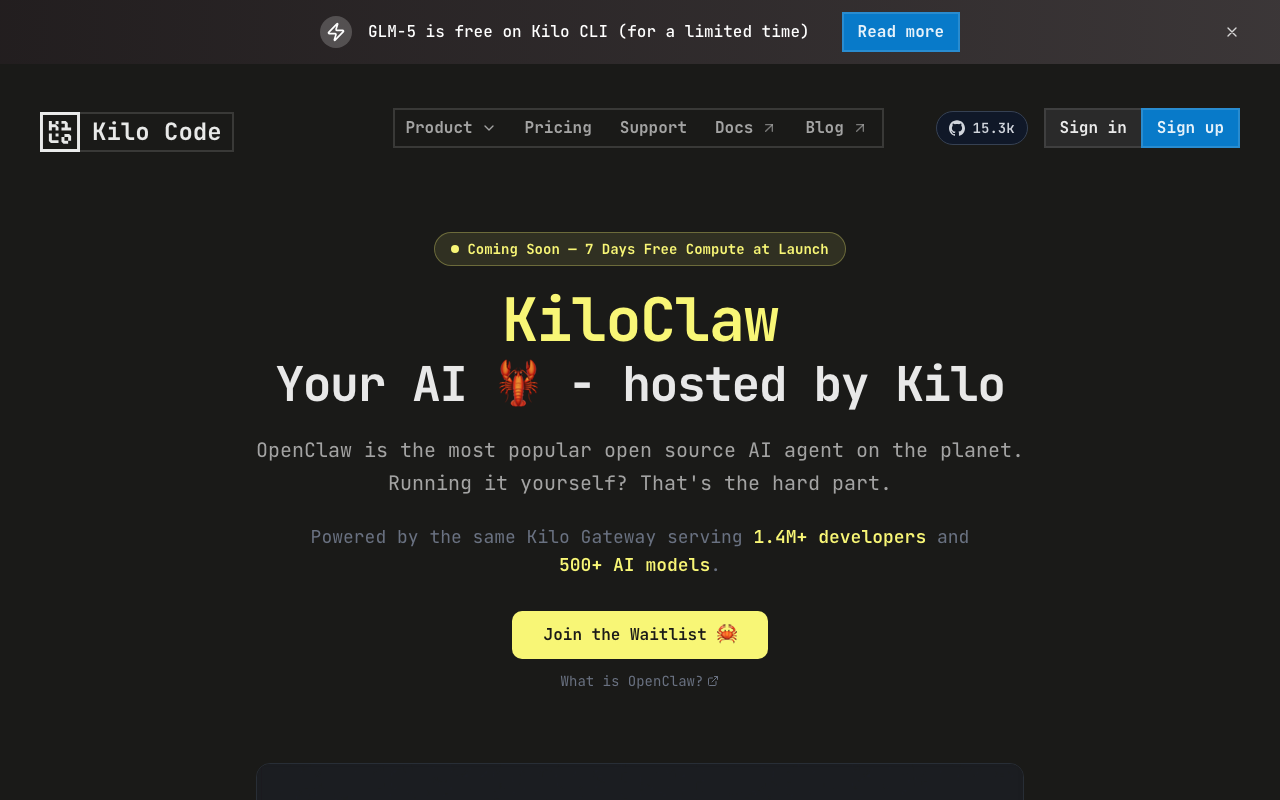
Across Product Hunt reviews, Reddit threads, Medium posts, YouTube walkthroughs, and independent blog reviews, KiloClaw's user experience splits clearly into two camps.
The fans love the speed. Going from zero to a running agent in under five minutes without touching a terminal is a real win, especially for product managers, marketers, and non-developers who want the magic of OpenClaw without the operational overhead. The chat-channel control through Telegram or Slack also gets repeat praise. One Product Hunt reviewer summed it up by saying KiloClaw fixed the actual annoying part, where self-hosted OpenClaw would silently die overnight and need babysitting.
The critics are louder than the rating suggests. Common complaints include the beta-stage stability where chat history occasionally resets during platform updates, the lack of terminal access to the underlying VM (which power users hate), the one-instance-per-account limit that prevents running multiple specialized agents, and inconsistent feedback channels during the beta. One blogger who used KiloClaw for a full month moved back to a self-hosted VPS at $6 per month because they wanted more control over their environment.
Documentation is thorough but spread across multiple sub-pages, which means new users sometimes hunt around to find the right section. Support is mainly handled through a Discord channel rather than dedicated tickets, which works for community-minded users but feels thin for paying customers expecting traditional helpdesk responsiveness. These are the issues that pulled our rating down from a potential 3.5 or 4 to the 2.9 it sits at today.
ICON POLLS Verdict: 2.9 / 5.0
KiloClaw is a promising product from a credible team, and the underlying idea (treat AI agents as managed infrastructure rather than DIY hobby projects) is exactly where the market is heading. The 0% token markup is a strong signal of trust, the GitHub integration is well secured, and the chat-channel control feels genuinely magical the first few times you use it.
That said, the platform is still wearing its beta tag for a reason. Stability hiccups, limited dashboard control, the one-instance restriction, and patchy support communication keep KiloClaw firmly in early-adopter territory rather than mainstream-ready. If you are an OpenClaw enthusiast who wants the operational pain removed, the 7-day trial is worth your time. If you are a business buyer expecting polished SaaS reliability today, you may want to wait one or two more release cycles before committing.
ICON POLLS Final Score: 2.9 out of 5.0 (Promising, but still maturing)
KiloClaw FAQs (Frequently Asked Questions in 2026)
1. Is KiloClaw the same as OpenClaw?
No. OpenClaw is the free, open-source AI agent framework built by the broader community. KiloClaw is the managed, hosted version of OpenClaw built by the Kilo team. The relationship is similar to how Vercel relates to Next.js or how GitHub relates to Git. You can still self-host OpenClaw for free if you prefer.
2. How much does KiloClaw cost in 2026?
Hosted compute starts at $9 per month after a 7-day free trial. AI token costs are billed separately at the provider's exact rate through Kilo Gateway with no markup. Optional Kilo Pass bundles start at $19 per month, and team plans are $15 per user per month. Pricing has been adjusted multiple times since the February 2026 launch, so always check kilo.ai/kiloclaw for the current rate.
3. How do I log in to KiloClaw?
Sign in at app.kilo.ai using your existing Kilo account. KiloClaw supports GitHub OAuth, Google OAuth, and standard email login. Once logged in, click the Claw tab in the side navigation to reach the KiloClaw dashboard. Existing Kilo Code customers do not need a separate account.
4. Does KiloClaw have a mobile app?
Kilo's monorepo includes a React Native mobile application alongside the main Next.js web app, but the primary KiloClaw experience is delivered through the web dashboard. Most users interact with their agent through chat channels like Telegram, Discord, Slack, or WhatsApp, which effectively turns any phone into a mobile interface for the agent.
5. Can KiloClaw connect to GitHub?
Yes. KiloClaw integrates with GitHub through a Personal Access Token configured in the Settings tab. Both classic tokens and fine-grained tokens are supported, with fine-grained tokens recommended for tighter security. The agent can clone repositories, push commits, open pull requests, and leave code reviews using the GitHub CLI and standard git commands.
6. Which AI models does KiloClaw support?
KiloClaw routes through Kilo Gateway, which provides access to more than 500 AI models from providers including Anthropic (Claude), OpenAI (GPT), Google (Gemini), MiniMax, Qwen, GLM, and others. You can switch models with a single click in the dashboard, and BYOK (bring your own key) is supported if you prefer to use your own provider account directly.
7. Is KiloClaw safe to use with sensitive data?
KiloClaw uses a multi-tenant Virtual Machine architecture on Fly.io with two external proxies, AES-256 encrypted credential vaults, tool allow-lists, and agent-mediated access only (no direct SSH). Kilo also commissioned an independent security audit. That said, the platform does not currently hold SOC 2 or ISO 27001 certifications, so organizations with strict compliance requirements should review the security whitepaper before storing regulated data.
8. Can I run more than one KiloClaw agent at the same time?
Not currently. KiloClaw limits each account to a single instance, which is one of the most common complaints from power users who want to run multiple specialized agents (for example, one for email triage and another for code reviews). Kilo has acknowledged this limit and indicated multi-instance support is on the roadmap, but no firm release date has been announced as of this review.
9. What happens to my data if I cancel KiloClaw?
From the dashboard, you can choose Stop Instance, which shuts down the machine while preserving your data, or Destroy Instance, which permanently deletes the instance along with all files, configuration, and workspace. Destroy is irreversible, so make sure to back up anything important before confirming. Stopped instances retain your data and can be resumed at any time.
10. Is KiloClaw worth it compared to self-hosting OpenClaw?
It depends on your priorities. If you value time over control and do not want to manage Docker, SSL certificates, dependency updates, and 3 AM crashes, KiloClaw is worth the $9 per month. If you want full root access, multiple instances, and complete environmental control, a $5 to $6 VPS running self-hosted OpenClaw will give you more flexibility, but you will spend an hour or two on initial setup and ongoing maintenance time.











