|
Webflow AI Site Builder Profile Summary |
|
|
Platform Name |
Webflow AI Site Builder |
|
Parent Company |
Webflow, Inc. |
|
Founded |
2012 (AI Site Builder launched 2024) |
|
Headquarters |
San Francisco, California, USA |
|
Founders |
Vlad Magdalin, Sergie Magdalin, Bryant Chou |
|
Current CEO |
Vlad Magdalin |
|
Type of Platform |
AI-powered no-code website builder |
|
Website |
webflow.com |
|
Pricing (Site Plans) |
Free (Starter) / Basic ($15/mo) / Premium ($25/mo) / Enterprise (Custom) |
|
Workspace Plans |
Starter (Free) / Core ($19/mo) / Growth ($49/mo) |
|
AI Credits |
Included in all Workspace plans (from May 2026) |
|
Total Funding Raised |
$336 million across 6 rounds |
|
Valuation (2022) |
$4 billion |
|
Employees (2025) |
Approximately 1,649 |
|
Key Competitors |
Wix, Squarespace, Framer, WordPress |
|
Icon Polls Rating |
3.0 out of 5 |
What Is the Webflow AI Site Builder?
Webflow has been around since 2012 as one of the more powerful no-code website builders on the market. It always attracted designers and developers who wanted real control over their sites without having to write code from scratch. In 2024, Webflow took things a step further by introducing its AI Site Builder, a feature that lets you type a description of your business and have a full multi-page website generated for you in minutes.
By 2026, the AI Site Builder has matured quite a bit. It is no longer just a novelty or a gimmick. It can produce real, editable websites complete with layouts, navigation, placeholder copy, and even CMS collections. The output sits inside the regular Webflow Designer, which means you can customize every single element after the AI does its thing. That said, it is not perfect, and this review from Icon Polls is going to walk you through what works, what does not, and whether it is worth your time and money.
Login
Getting into Webflow is simple enough. You can sign up using your email address or through a Google account. Once you are in, you land on your dashboard where all your projects live. The login process itself has not changed much over the years and it works reliably. There is two-factor authentication available for added security, which is a nice touch for teams managing client sites.
One thing worth noting is that the AI Site Builder is not available the moment you log in on a free account. As of May 2026, Webflow restructured its plans, and the AI features including the Site Builder require at least a Core Workspace plan at $19 per month. The Starter (free) workspace does not give you access to the AI Site Builder or the AI Assistant. So if you are logging in expecting to try the AI tools for free, you will hit a wall pretty quickly.
Templates
Webflow has always had a solid template marketplace, and that has not changed in 2026. You can find both free and paid templates covering all kinds of use cases, from business landing pages to portfolios to e-commerce stores. Paid templates range from about $29 to $129 as a one-time purchase.
Now, here is where things get interesting with the AI Site Builder. The whole point of the AI tool is that it generates a custom layout based on your prompt, so in a way, it replaces the need for a traditional template. You describe your business, your audience, and the vibe you want, and the AI creates a starting structure for you. It includes sections like hero areas, feature blocks, testimonials, calls to action, and contact pages. Icon Polls found during testing that the AI-generated layouts often looked cleaner and more relevant than many of the generic templates in the marketplace.
That said, the AI-generated sites can feel a bit samey after a while. If you run the same type of prompt multiple times, you start seeing similar patterns. Templates still have a place for people who want a very specific look right out of the box without spending time customizing an AI-generated draft.
Download
Webflow is a cloud-based platform, so there is nothing to download in the traditional sense. Everything happens in your browser. You do not install software on your computer. The Designer, the CMS, the hosting, and the AI tools all live online.
That said, Webflow does allow you to export your site's code if you are on a paid plan. You can download the HTML, CSS, and JavaScript files and host them elsewhere if you want. This is a feature that sets Webflow apart from some competitors like Wix or Squarespace, which lock your site into their platform. With the AI Site Builder, the code that gets generated is standard Webflow code, so if you export it, it is clean and well-structured. However, if you use CMS features, you cannot export the dynamic content, only the static code, which is a limitation worth keeping in mind.
Dashboard
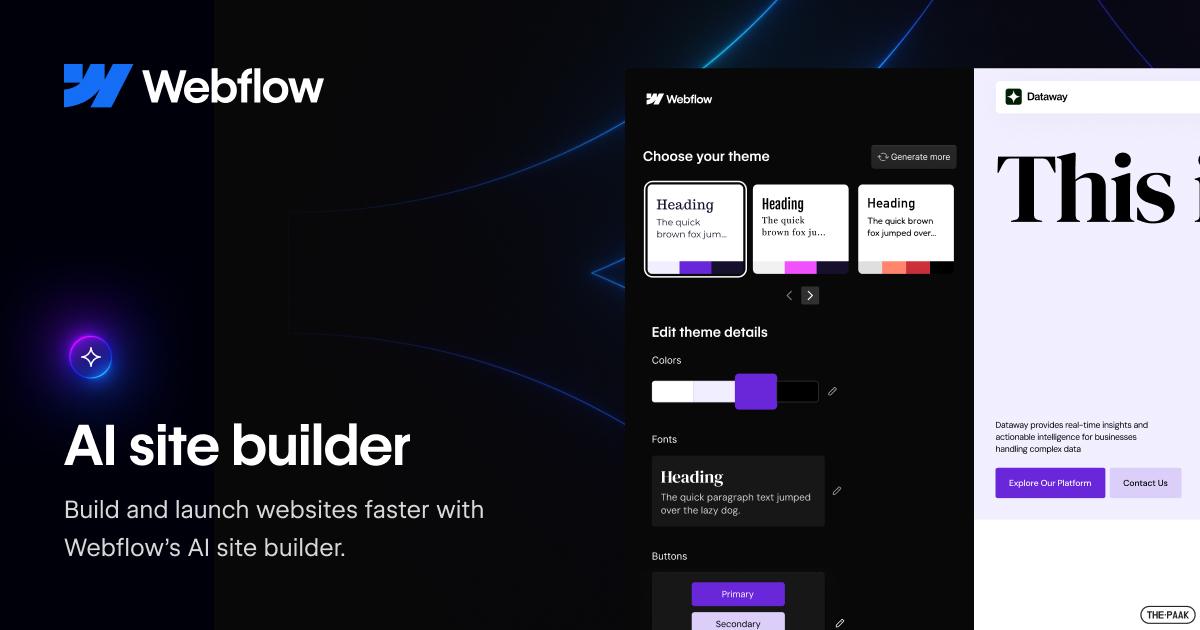
The Webflow dashboard is where you manage all your projects, team members, billing, and settings. In 2026, Webflow has added a dedicated AI usage section to the dashboard where you can track how many AI credits you have used and how many remain. Credits power all the AI features, from site generation to content writing to code components.
The dashboard layout is clean and fairly intuitive once you get used to it. You can see all your sites at a glance, access the Designer, manage forms, check analytics, and handle domain settings. For teams, the workspace dashboard lets you manage seats, permissions, and client billing. It is functional, though the sheer number of options can feel a bit overwhelming for someone brand new to the platform. Webflow is not the kind of tool where everything is obvious on day one. There is a real learning curve, and the dashboard is just the start of it.
Free
Webflow does offer a free Starter plan, but you need to understand what that actually includes in 2026. The free plan gives you a webflow.io subdomain (not a custom domain), 2 static pages, 50 CMS items, and 1 GB of bandwidth. You also get a lifetime cap of 50 form submissions. It is essentially a sandbox for testing out the visual editor and getting a feel for how the platform works.
What the free plan does not include is access to the AI Site Builder, the AI Assistant, or AI code components. Those features are locked behind paid Workspace plans starting at $19 per month. So while Webflow technically has a free tier, the AI tools that have been generating all the buzz are not part of it. Icon Polls considers this a notable downside for people who want to test drive the AI capabilities before committing money. You can explore the basic Webflow Designer for free, but the AI magic requires a paid subscription.
User Experience
This is where Webflow gets complicated. The user experience is excellent if you already have some understanding of web design concepts. If you know what flexbox is, if you understand the box model, and if you have spent any time in tools like Figma, you will feel right at home. The visual editor gives you granular control over every element on your page, and the output is clean, semantic code.
But if you are a complete beginner, Webflow can be genuinely frustrating. This is not a drag-and-drop builder in the Wix or Squarespace sense. Multiple user reviews across platforms like G2, Capterra, and Trustpilot consistently point to a steep learning curve. Most users report that it takes about 2 to 4 weeks of regular practice to become comfortable, and 2 to 3 months to feel genuinely proficient. That is a significant investment of time.
The AI Site Builder does help soften this curve a bit. Instead of starting from a blank canvas, you get a fully structured site that you can then tweak. But tweaking still requires understanding the Webflow Designer, and that is where many new users struggle. Another common complaint Icon Polls came across during our research is the customer support. Webflow does not offer live chat support, which is something many other builders provide. If you run into problems, you are mostly relying on documentation, community forums, and email support.
On the positive side, once you get past the learning curve, Webflow is genuinely powerful. The interactions and animations engine is one of the best in the no-code space. The CMS is flexible and well-designed. The hosting is fast and reliable. And the AI tools, while not perfect, save real time on getting a project off the ground.
Pricing Overview
Webflow restructured its pricing in May 2026, and it is important to understand the two layers: Site plans and Workspace plans.
Site plans cover hosting and features for individual websites. The Starter plan is free but very limited. The Basic plan costs $15 per month (billed annually) and works for simple static sites. The Premium plan at $25 per month is where most serious users land, as it includes 20,000 CMS items, 40 collections, and more bandwidth. Enterprise pricing is custom.
Workspace plans cover collaboration, team features, and AI access. The Starter workspace is free but has no AI features. The Core workspace at $19 per month unlocks the AI Site Builder, AI Assistant, and AI code components. The Growth workspace at $49 per month adds more seats and collaboration tools. There is also a new Team plan at $2,500 per month for larger organizations.
On top of all that, there are optional add-ons like Optimize ($299/month for A/B testing), Analyze, and Localize. Templates from the marketplace cost $29 to $129 each. AI credits are included in workspace plans but will be enforced starting June 29, 2026, with extra credits available at $20 per month for 2,000 credits. Icon Polls notes that while Webflow offers strong value for professional users, costs can add up quickly for agencies or businesses running multiple sites.
What We Liked
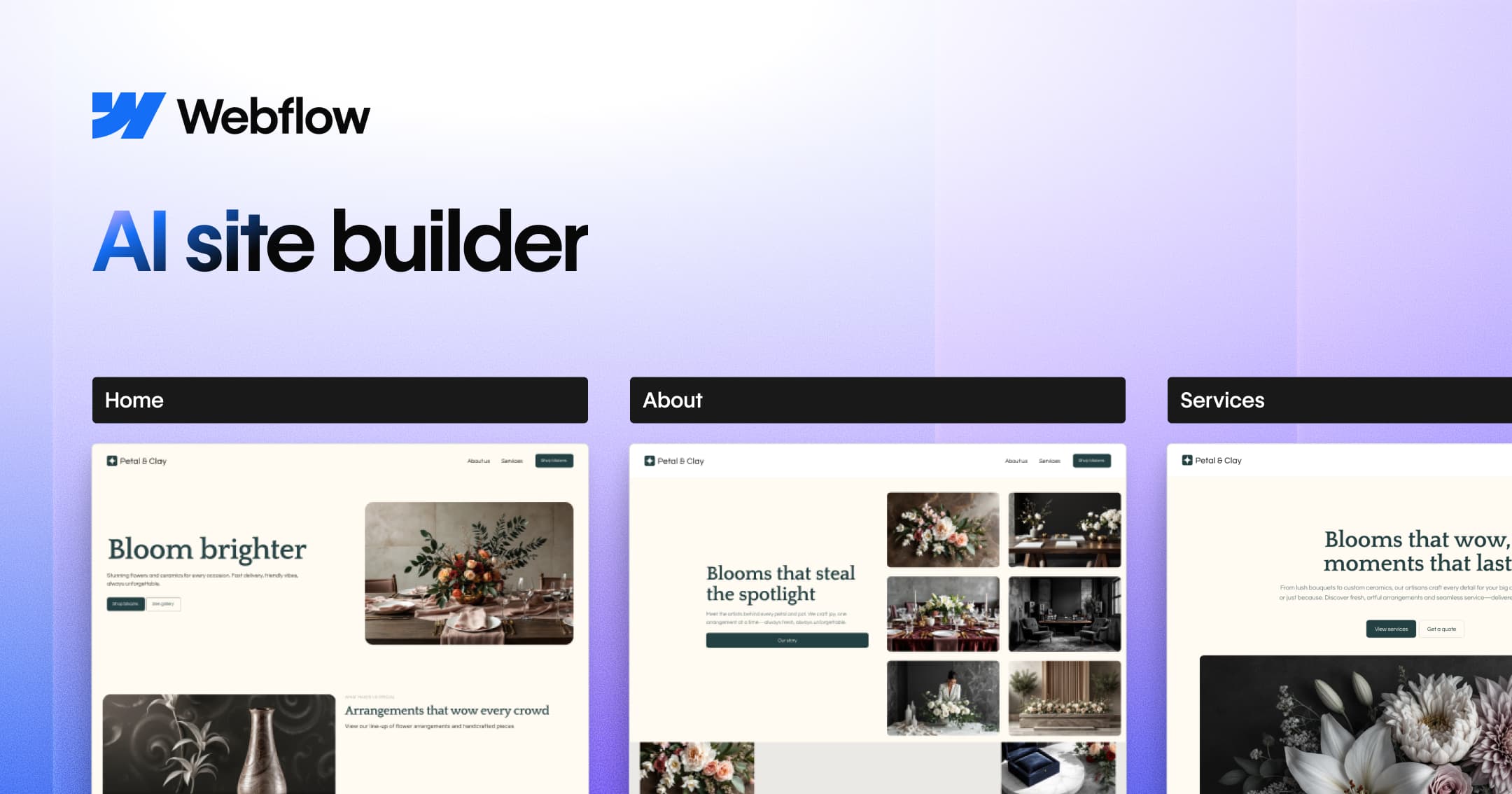
The AI Site Builder genuinely saves time. It can produce a solid multi-page website structure in minutes, complete with layout, copy, and basic design. The output is real Webflow code that you own and can fully customize. The visual Designer remains one of the most powerful no-code editors available. Clean code output, strong CMS, good hosting performance, and the ability to export your code are all genuine strengths. The new AI credits system, while limiting, at least gives you visibility into your usage through the dashboard.
What Needs Work
The learning curve is still steep and will turn away non-technical users. The AI-generated sites, while functional, can look generic and repetitive across similar prompts. The free plan does not include AI features, which makes it hard to test before buying. Customer support is limited compared to competitors. Pricing can get confusing and expensive once you factor in workspace fees, site plans, add-ons, and template costs. The removal of native features like Logic and User Accounts in favour of third-party tools feels like a step backward for some users.
Icon Polls Rating: 3.0 out of 5
After thorough testing and research, Icon Polls gives the Webflow AI Site Builder a rating of 3.0 out of 5 for 2026. It is a capable tool backed by one of the strongest visual editors in the no-code space, and the AI features are a genuine step forward for speeding up the early stages of web design. However, the steep learning curve, the locked AI features behind paid plans, the occasionally generic AI output, and the confusing pricing structure hold it back from scoring higher. For experienced designers and agencies, it is a solid choice. For beginners or small businesses on a budget, there are simpler and cheaper options out there.
Frequently Asked Questions About Webflow AI Site Builder
1. Is the Webflow AI Site Builder free to use?
No. As of May 2026, the AI Site Builder requires at least a Core Workspace plan, which costs $19 per month. The free Starter workspace does not include access to AI features like the Site Builder, AI Assistant, or AI code components. You can use the basic Webflow Designer for free, but the AI tools are behind a paywall.
2. How does the Webflow AI Site Builder work?
You type a prompt describing your business, your target audience, and the style you want. The AI then generates a multi-page website inside the Webflow Designer, complete with layout sections, placeholder copy, navigation, and basic styling. Everything it creates is made up of standard Webflow elements, so you can go in and edit, restyle, or completely restructure anything after the AI builds the initial draft.
3. Can I download a Webflow site to my computer?
Webflow is a cloud-based platform, so there is no software to download or install. However, if you are on a paid site plan, you can export your site's HTML, CSS, and JavaScript code and host it on your own server. Keep in mind that CMS-driven dynamic content cannot be exported, only the static portions of your site.
4. What are Webflow AI credits?
AI credits are the units that measure your usage of Webflow's AI features. They were introduced across all Workspace plans starting May 13, 2026, and enforcement of credit limits begins on June 29, 2026. Credits are used whenever you generate a site, create content, design sections, or use the AI Assistant. If you run out of credits, you can purchase additional ones at $20 per month for 2,000 extra credits.
5. Is Webflow good for beginners?
It depends on what you mean by beginner. If you have some basic understanding of web design concepts like layout, spacing, and responsive design, Webflow can work well for you with a few weeks of practice. But if you have never built a website before and have no design background, the learning curve can be steep. Most user reviews suggest it takes 2 to 4 weeks to get comfortable and 2 to 3 months to become proficient. Simpler builders like Wix or Squarespace may be better starting points for true beginners.
6. How much does Webflow cost per month in 2026?
Webflow's costs depend on which plans you combine. Site plans range from free (very limited) to $15 per month for Basic and $25 per month for Premium. Workspace plans start at $19 per month for Core. If you need advanced features like A/B testing through Optimize, that is an additional $299 per month. Templates cost between $29 and $129 as one-time purchases. For a typical professional setup, Icon Polls estimates you are looking at around $40 to $75 per month at minimum when combining a site plan with a workspace plan.
7. Does Webflow AI replace the need for a web designer?
Not entirely. The AI Site Builder is best thought of as a tool that handles the first draft. It can generate a solid starting structure with layout, copy, and basic styling, which saves a lot of time. But the output is not client-ready out of the box. The copy usually needs rewriting, the design needs refinement to match your actual brand, mobile breakpoints need checking, and SEO settings need manual attention. Professional agencies and designers use it to accelerate their workflow, not to replace the design process altogether.
8. What happened to Webflow Logic and User Accounts?
Webflow discontinued its native Logic feature in June 2025 and its native User Accounts feature in January 2026. Instead of maintaining these built-in tools, Webflow has directed users toward third-party solutions like Zapier, Make, and Memberstack. This change has been a point of frustration for some users who preferred having everything under one roof, but Webflow has chosen to focus its development resources on the core visual builder and AI features instead.
9. Can I use Webflow for e-commerce?
Yes, Webflow has e-commerce functionality built into the platform. You can set up an online store with product pages, shopping carts, and checkout. However, the e-commerce features are not as advanced as what you would find on a dedicated platform like Shopify. Webflow's e-commerce currently lacks things like multi-currency support and has a more limited app ecosystem. It works well for smaller stores or businesses that want their marketing site and shop in one place, but larger operations may find it limiting.
10. How does Webflow compare to Wix and Squarespace in 2026?
Webflow offers significantly more design control and cleaner code output than either Wix or Squarespace. It is the preferred choice for designers, agencies, and teams that need pixel-level precision. However, Wix and Squarespace are much easier to learn, have friendlier pricing for small businesses, and offer better out-of-the-box customer support. Webflow sits in a middle ground between simple website builders and full custom development. If design control matters more than ease of use, Webflow wins. If you just need a decent site up fast without a learning curve, the other two are better bets.