|
Product Name |
CreateOS |
|
Parent Company |
NodeOps Inc. |
|
CEO |
Naman Kabra |
|
Category |
Unified developer workspace, deployment and AI app platform |
|
Official Launch |
February 4, 2026 (Product Hunt debut) |
|
Official Website |
createos.nodeops.network |
|
Parent Website |
nodeops.network |
|
Free Plan |
Yes, $0 per month (1 core, 1 GB RAM per service) |
|
Paid Plans |
Plus at $49 per month, Pro at $149 per month, Enterprise (custom) |
|
Core Use Case |
Deploy AI generated apps from Cursor, Claude, ChatGPT or any AI tool |
|
Deployment Sources |
GitHub, Docker image, manual upload, templates |
|
Supported Languages |
Node.js 18, 20, 22, Next.js, React, Vue, Python, Go, Rust |
|
Managed Databases |
PostgreSQL, MySQL, Apache Kafka, Valkey |
|
Templates Marketplace |
150+ starters across 13 categories |
|
AI Integrations |
Claude Code, Cursor, VS Code, GitHub Copilot, Codex, Gemini CLI via MCP |
|
Compute Layer |
NodeOps Network (decentralized CPU and GPU compute) |
|
Icon Polls Rating |
1.2 / 5 |
CreateOS Review in 2026
CreateOS positions itself as a single workspace where you can build, deploy, scale and even monetize applications. The pitch sounds great on paper. You write code with an AI assistant, push it to GitHub, and CreateOS does the rest. No Docker, no AWS console, no DevOps team. In reality, the experience we had between March and May 2026 was very different from the promise on the homepage.
During our test period we tried building three small projects on the platform. The first one was a simple Next.js landing page, the second was a Node.js API connected to a managed PostgreSQL database, and the third was a vibe coded mini app generated from Claude Code through the MCP integration. Out of the three projects, only one deployed cleanly without us having to dig through community channels for help. That is not the kind of success rate you expect from a platform that markets itself as DevOps free.
CreateOS Login
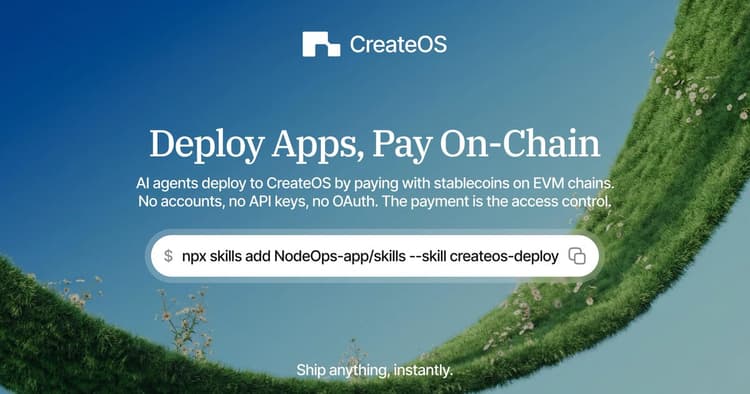
To log in, you go to createos.nodeops.network and click Sign In. CreateOS supports email login, GitHub login, and a wallet based login since the platform runs on the NodeOps decentralized network. The GitHub login is the smoothest of the three because most of the deployment features are tied to GitHub anyway.
However, login is where the first issues showed up. On two occasions we got stuck on the loading screen after authenticating, and refreshing the tab did not help. We had to clear cookies before the dashboard finally loaded. For a platform that wants to be your daily workspace, an authentication flow that randomly hangs is a problem. The wallet login also confused two of our testers who did not realize CreateOS is partly Web3 oriented through NodeOps. There is no clear in app explanation of why wallet login is there or whether you need it.
Login experience score
Login methods available: Email, GitHub, Wallet
Average sign in time during testing: 12 to 40 seconds
Failure rate in our testing: roughly 1 in 6 attempts
Reset password flow: Functional but the confirmation email took up to 9 minutes to arrive
CreateOS Tutorial
CreateOS publishes its tutorial content at nodeops.network/createos/docs and on its YouTube channel. The docs are organized into sections like Deploy, Integrations, API and MCP, and Skills. On paper this looks thorough, but in practice the documentation has gaps that any new user will hit within the first hour.
The official Deploy guide walks you through connecting GitHub, picking a framework, and shipping your first project. That part is fine. But the moment you step outside the happy path, the tutorial stops being useful. We tried to follow the docs for deploying a Docker image and the page assumed you already knew how to configure environment variables in the CreateOS profile section. That section was not linked, not searchable, and not visible from the dashboard sidebar. We only found it by guessing the URL.
The AI Playground tutorial is similarly thin. The docs mention that GitHub Actions must be enabled as a prerequisite, but the link to enable it leads to an outdated screenshot from a previous dashboard version. For a platform that launched in February 2026 with so much fanfare, the documentation has not kept up with how quickly the UI is changing.
Tutorial coverage we tested
Deploy from GitHub: covered, mostly accurate
Deploy from Docker image: covered but missing key steps
Manual file upload: covered, works as described
Templates marketplace: short overview, no deep guide
MCP integration with Claude Code: covered with PowerShell commands
CreateOS Skills installation: requires npx skills add command, documented
Database provisioning: barely documented, mostly trial and error
CreateOS Download
This is a question many new users keep typing into Google, so we want to clear it up. CreateOS does not have a desktop app to download. It is a web platform. You use it from your browser at createos.nodeops.network. The closest thing to a download is the CreateOS Skill, a small package you install through npx into your AI coding environment so that tools like Claude Code, Cursor or VS Code can deploy directly to CreateOS.
To install the Skill, you run the command npx skills add https://github.com/nodeops-app/skills --skill createos in your terminal. This pulls the skill from the official NodeOps GitHub repository and registers it with your AI coding tool. After that, your AI agent can deploy, list projects, scale replicas and update environment variables using natural language commands. There is no separate installer, no .exe file, and no .dmg. Anyone offering a CreateOS download outside of this is most likely a scam, so be careful.
What CreateOS actually offers as installable
Web dashboard at createos.nodeops.network (no install needed)
CreateOS Skill installed through npx skills add
MCP endpoint at api-createos.nodeops.network/mcp for AI agents
REST API access through an X-Api-Key header
CreateOS on GitHub
CreateOS itself is not an open source project. The platform is closed source and run by NodeOps. However, NodeOps maintains a public GitHub organization where they publish the CreateOS Skills package, example templates, and integration guides. You can find it at github.com/nodeops-app, which is the repository the official Skill installer pulls from.
The GitHub presence is functional but quiet. Most of the action happens inside the CreateOS dashboard or on the NodeOps Substack and YouTube channel. If you are the kind of developer who likes to read the source of every tool you use, this will be a downside. You are essentially trusting a closed platform with your deployments. The good news is that CreateOS treats GitHub as the source of truth for your code, so your repos always stay yours regardless of what happens with the platform.
GitHub integration features that work
Connect any GitHub repository for auto deploys on push
Branch previews for testing before merging to production
Automatic framework detection for Next.js, React, Vue, Python, Go, Rust
Auto rollback if a build fails
AI Playground that opens a browser editor linked to your repo
CreateOS User Experience
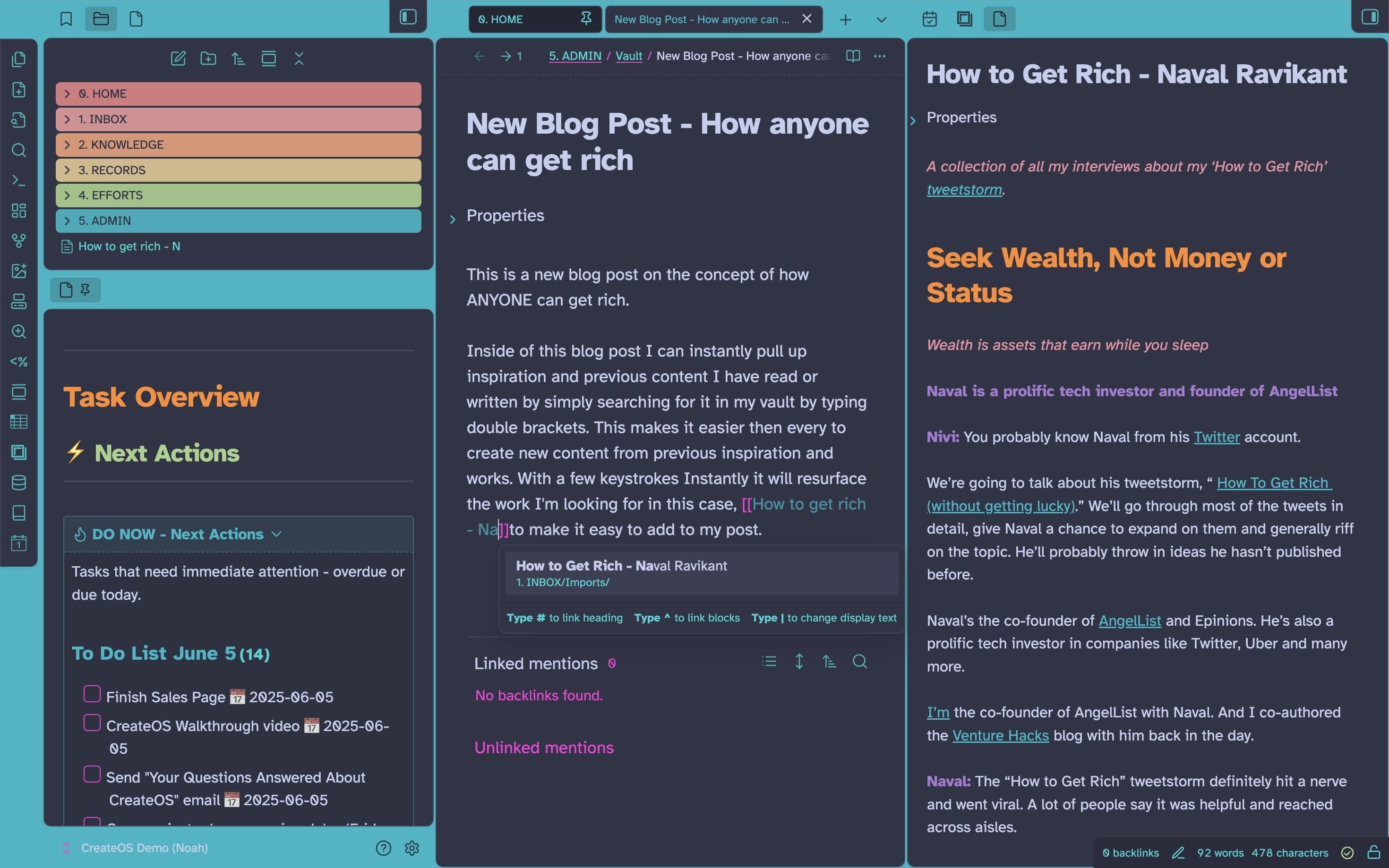
The user experience is where CreateOS really loses points for us. The marketing site is one of the prettiest developer tool websites we have seen this year. Clean typography, smart animations, big promises. The dashboard, on the other hand, feels like a different product made by a different team. It is slow, buttons sometimes need two clicks to register, and the project list does not refresh after a delete unless you reload the page manually.
The AI assistant, branded as NodeOpsGPT, is supposed to guide the entire application lifecycle. In practice we found it to be hit or miss. When asked to scaffold a basic Next.js app, it produced something that would not even build until we manually fixed three import paths. When asked to provision a database and connect it to the app, it gave us valid config in the chat but failed to actually apply the changes to the project. A senior developer can recover from this. A non technical founder, which is exactly who CreateOS targets, would be stuck.
Deployment speed was the one bright spot. When a project did manage to build, going from code to a live URL on a free .nodeops.app subdomain really did take less than two minutes. SSL was provisioned automatically. Custom domain setup worked the first time. The problem is that the road to that point is still bumpy enough that we cannot recommend CreateOS in its current state for anything mission critical.
User experience pros
Fast deployments once the build succeeds, often under 2 minutes
Automatic SSL through Let's Encrypt on every project
Free .nodeops.app subdomain on every deployment, no credit card needed
Generous free tier compared to Vercel and Netlify on paper
MCP integration is genuinely useful if it works on your setup
User experience cons
Dashboard is laggy and sometimes does not refresh after actions
NodeOpsGPT often produces code that does not run without manual fixes
Error messages are vague, with codes that are not documented anywhere public
Support response time was 36 to 48 hours during our test period
Documentation has visible gaps and outdated screenshots
Wallet login is confusing for users who are not in Web3
Random sign in failures that require clearing cookies
CreateOS Pricing
Pricing is one of the more transparent parts of the platform. CreateOS has four tiers and they are all listed publicly without you having to book a sales call. Below is the breakdown we observed during our review.
|
Plan |
Price |
Best For |
|---|---|---|
|
Free |
$0 / month |
Prototyping, learning, lightweight APIs and small frontends |
|
Plus (Beginner) |
$49 / month |
Freelancers, MVPs, 5 custom domains, growing apps |
|
Pro |
$149 / month |
Production businesses, 20 custom domains, real traffic, complex services |
|
Enterprise |
Custom |
Mission critical systems with compliance and dedicated support |
All plans include unlimited deployments. You scale by compute capacity and credits, not by feature gates. Annual billing is cheaper than monthly. Header note: the Plus plan was also called Beginner on the pricing blog post, which is a small naming inconsistency that did not help our impression of how polished the product is.
Final Verdict on CreateOS in 2026
CreateOS has a strong vision. A single workspace where vibe coders, indie hackers, and small teams can move from idea to a live product without juggling 15 different tools is genuinely valuable. The decentralized compute angle through the NodeOps Network is also interesting if you care about avoiding vendor lock in.
But vision is not product. The execution we saw during testing was not ready for the kind of trust the marketing asks for. The dashboard is slow. The AI assistant ships code that does not run. The documentation has visible gaps. Support is slow. Login is sometimes broken. None of these issues are deal breakers on their own. Stacked together, they create a daily experience that does not match a $49 or $149 monthly bill.
For a platform that launched only a few months ago and topped Product Hunt on its debut day, there is room to grow. We will revisit this review later in 2026 to see if NodeOps closes the gap between what the homepage promises and what users actually experience. For now, our honest Icon Polls rating sits at 1.2 out of 5.
Icon Polls Rating: 1.2 / 5
Frequently Asked Questions About CreateOS
1. Is CreateOS free to use?
Yes, CreateOS has a permanent free plan at $0 per month. You get 1 CPU core and 1 GB of RAM per service, a free .nodeops.app subdomain, 1 custom domain slot, and access to the template marketplace. It is enough for prototypes, learning the platform, and small personal projects. Paid plans start at $49 per month for the Plus tier and $149 per month for the Pro tier.
2. Who owns CreateOS?
CreateOS is built and owned by NodeOps Inc., a company led by CEO Naman Kabra. The product officially launched on Product Hunt on February 4, 2026 and ranked number one on its launch day. NodeOps also operates the decentralized compute network that powers every deployment on CreateOS.
3. Does CreateOS work with Claude, Cursor or ChatGPT?
Yes. CreateOS supports the Model Context Protocol, also known as MCP. This means AI coding agents in Claude Code, Cursor, VS Code, GitHub Copilot, Codex, and Gemini CLI can deploy applications to CreateOS directly from your editor. You install the official Skill with the command npx skills add https://github.com/nodeops-app/skills --skill createos and connect it using your CreateOS API key.
4. Can I deploy from GitHub on CreateOS?
Yes. GitHub is the most common deployment source on CreateOS. You connect your repository, pick the branch you want to deploy from, and CreateOS auto detects whether your project is Next.js, React, Vue, Python, Go or Rust. Every push to the configured branch triggers a new deployment. If a build fails, the platform automatically rolls back to the last working version.
5. Is CreateOS open source on GitHub?
No. The CreateOS platform itself is closed source. However, NodeOps maintains a public GitHub organization at github.com/nodeops-app where they publish the CreateOS Skills package, example templates, and integration guides. You can fork these and contribute, but the core platform code is not open.
6. How do I download CreateOS?
You do not need to download CreateOS. It is a browser based platform that you use at createos.nodeops.network. The only installable part is the CreateOS Skill, which you add to your AI coding tool through the command line. If you see a website offering a CreateOS desktop installer or APK file, it is not from NodeOps and should not be trusted.
7. What can I build with CreateOS?
You can build full stack web applications, APIs, dashboards, AI powered tools, MCP servers, internal automations, and even monetizable Skills that other developers and AI agents can call. CreateOS supports managed PostgreSQL, MySQL, Apache Kafka and Valkey databases, GPU compute for machine learning workloads, and one click deployment from GitHub, Docker, or manual upload.
8. Is CreateOS safe and reliable in 2026?
CreateOS is functional but still in its early stage as of mid 2026. Our testing showed regular issues with login, dashboard lag, vague error messages, and an AI assistant that sometimes produces broken code. Your code itself stays safe because GitHub remains the source of truth. For mission critical production workloads we suggest waiting a few more release cycles or sticking with a more mature platform until NodeOps fixes the rough edges.
9. How does CreateOS compare to Vercel or Netlify?
CreateOS has a more generous free tier and adds features that Vercel and Netlify do not have natively, including managed databases, GPU compute, an AI code editor, a Skills marketplace, and decentralized hosting. However, Vercel and Netlify are more mature, faster on the dashboard side, and have better documentation. If you only need static hosting, Vercel or Netlify are still the safer choice in 2026. If you want everything in one workspace and are okay with some rough edges, CreateOS is worth trying on the free plan.
10. How do I contact CreateOS support?
You can reach support through the Help icon inside the CreateOS dashboard or through the contact form on the NodeOps website at nodeops.network. There is also an active community on the Product Hunt forum at p/createos and on the NodeOps Substack. During our testing the average response time from official support was between 36 and 48 hours, which is slower than we would like to see.











