|
Profile item |
Details |
|
Product name |
DockFlow |
|
Category |
macOS productivity utility, Dock manager and workflow switcher |
|
Main use |
Save, switch and automate macOS Dock presets for different tasks |
|
Platform |
macOS |
|
Developer / brand |
AppitStudio |
|
Public launch window |
First released in March 2025, with Product Hunt launches in 2025 and 2026 |
|
Pricing model |
One-time purchase. MacUpdate listed it at $9.99 in 2026 |
|
Latest public app listing checked |
MacUpdate listed version 1.70, updated May 18, 2026 |
|
Best for |
Mac users who switch between workspaces such as coding, design, writing, browsing, gaming or content creation |
|
ICON POLLS rating |
3.5 out of 5 |
DockFlow Review in 2026
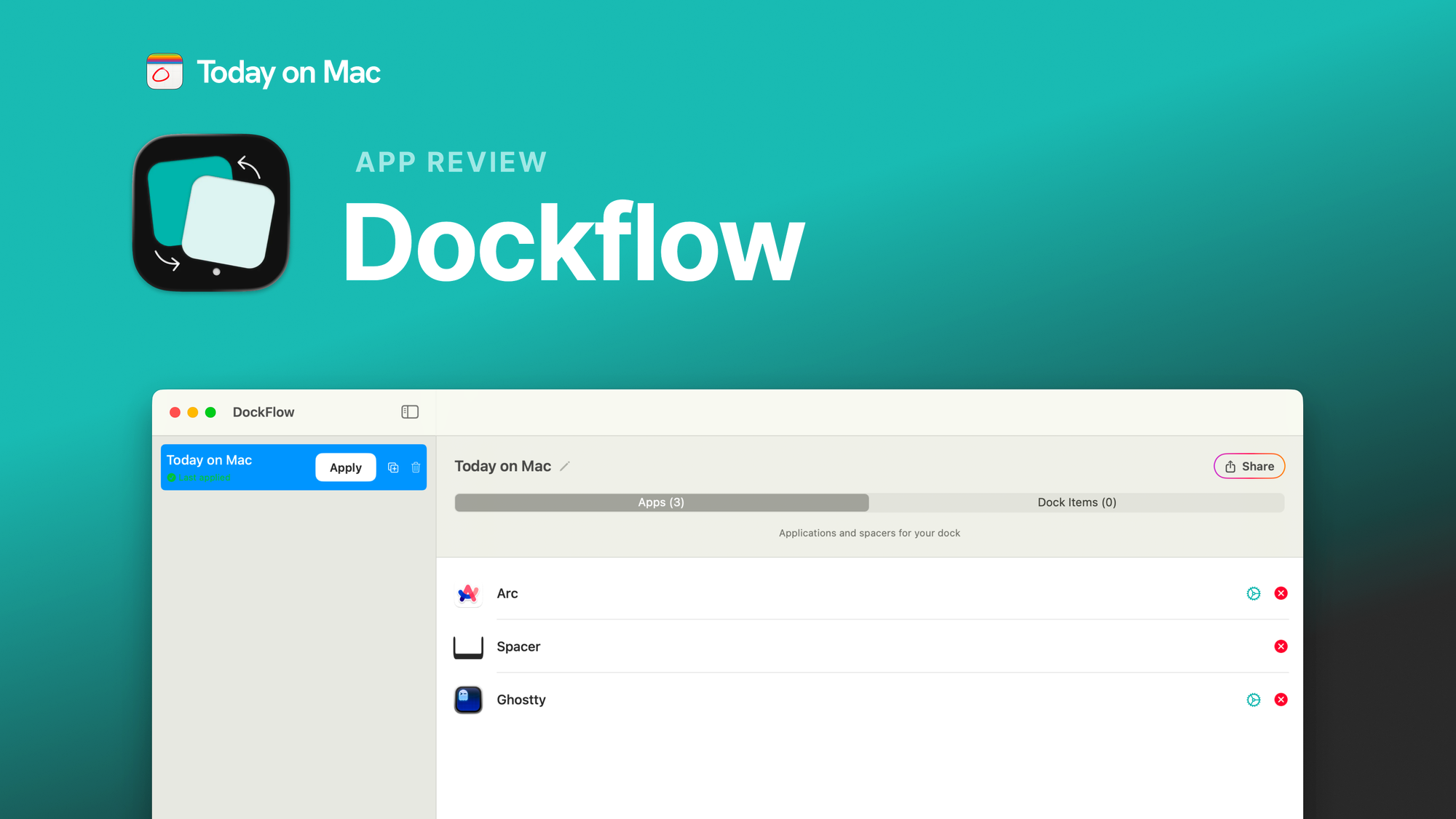
DockFlow is not trying to be a full desktop replacement. That is important to understand before judging it. The app is focused on one clear problem: many Mac users use the same laptop for different activities, but the Dock stays the same. A designer might need Figma, Photoshop and Safari. A developer might need VS Code, Terminal, Git tools and a browser profile. A writer may want fewer icons and less distraction. DockFlow turns those setups into presets.
ICON POLLS found DockFlow strongest when used as a simple workflow switcher. It does not feel like a heavy productivity suite. It is closer to a menu bar helper that saves time in small but repeated moments. The value is not dramatic on day one, but it becomes clearer when a user switches tasks several times a day.
DockFlow App Review

The app works around macOS Dock presets. Public listings describe it as a lightweight menu bar utility that works with the native Dock and does not require special system permissions. That is a good sign because utilities that deeply modify macOS can sometimes feel risky or unstable.
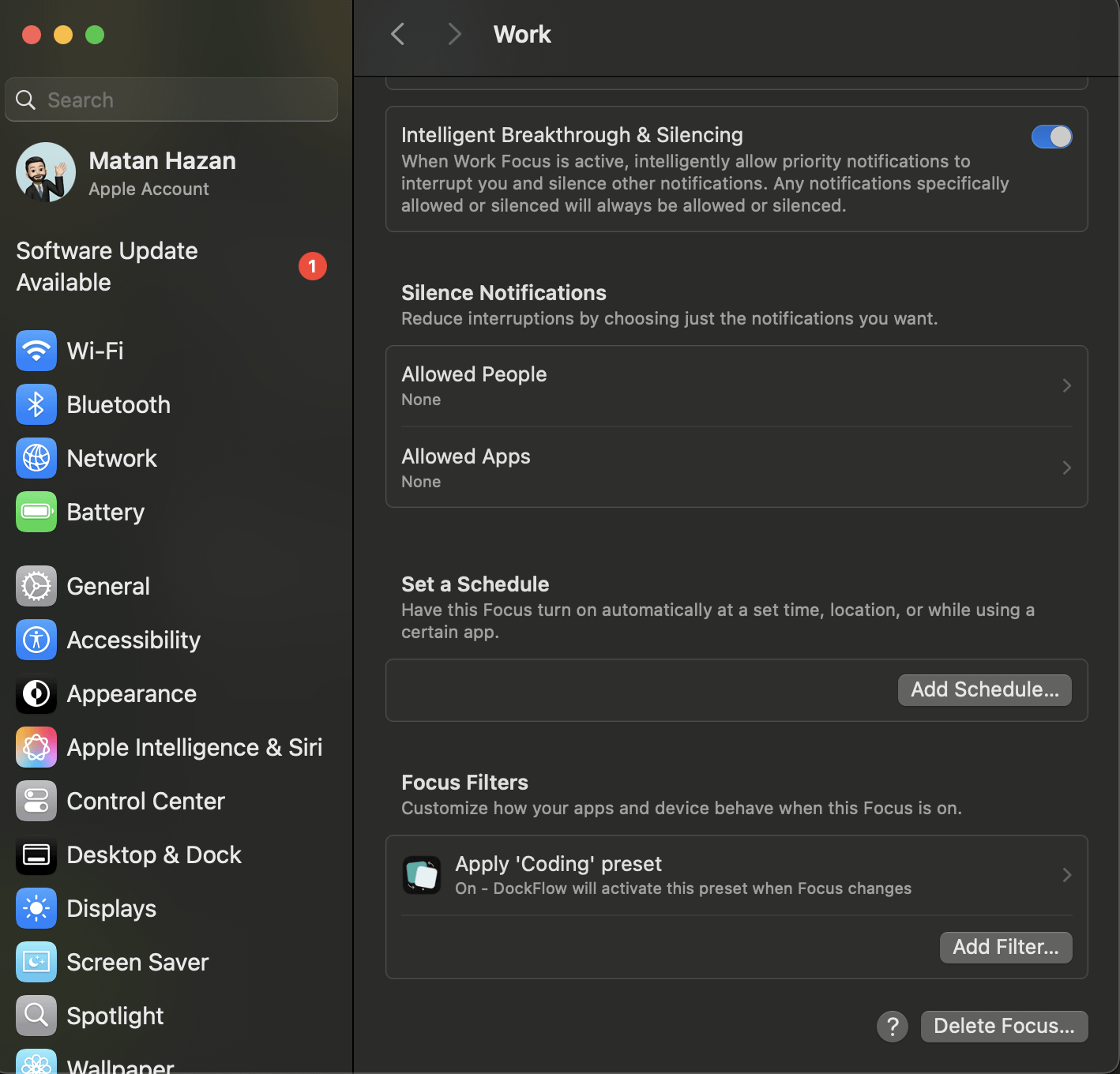
The main features people will care about are Dock presets, hotkey switching, app launching, app closing, folder and URL shortcut support, and automation through tools such as Apple Shortcuts and CLI functions. In 2026, the app appears to have moved beyond a basic Dock layout saver into a broader workspace switching tool.
For everyday users, the setup should feel simple. You create a Dock layout for a task, save it, then call it back when needed. Power users will get more value from automation, browser profile launching and shortcuts. Casual users may like the idea but may not use it daily enough to justify another Mac utility.
DockFlow Reddit Review
DockFlow has a visible Reddit footprint, especially in the macapps community. The early launch story is useful because it shows that the developer was active, listening and releasing updates quickly. A Reddit update from the team said DockFlow had 111 users after 32 days, had released 14 versions by that time, and had reached rank 4 of the day on Product Hunt. Another later Reddit post said DockFlow closed 2025 with about 60 updates, averaging one update every 4.5 days.
That kind of development pace is positive, especially for a small indie app. It suggests the product was not abandoned after launch. The weakness is that Reddit feedback can be mixed with promotion from the developer, so readers should treat it as useful context, not as a full independent review base. Still, the public posts show a product with a real community, real early users and regular iteration.
DockFlow Revenue Review
DockFlow does not appear to publish full revenue numbers publicly. ICON POLLS did not find verified annual revenue, profit or monthly recurring revenue data from the company. What is publicly visible is the business model. MacUpdate listed DockFlow as shareware with one-time purchase monetization and a $9.99 price in 2026. Product Hunt also says the app has over 1,000 users.
Because the app appears to use a one-time purchase model, its revenue potential depends heavily on launch spikes, creator marketing, product updates and word-of-mouth inside the Mac productivity community. This is not the same as a subscription SaaS product where revenue can compound monthly. It can still be a good indie product, but public revenue estimates should be treated carefully unless the developer releases audited or direct numbers.
DockFlow User Experience
DockFlow’s user experience is built around speed. The whole point is to reduce the small delay that happens when a user starts a new task and has to rearrange apps, open tools, close distractions and reset the Dock. When it works, the experience is clean: choose a preset, trigger it with a click or hotkey, and move into the right work mode.
The strongest UX point is focus. DockFlow has a narrow job and does not overload the user with unrelated productivity features. The concern is that it may feel unnecessary to Mac users who already keep a fixed Dock or use Spotlight, Raycast, Alfred or Stage Manager for switching contexts. The app will make the most sense for users who care about a tidy Dock and work with different setups every day.
What We Like About DockFlow
We like that DockFlow solves a clear problem instead of pretending to be a complete productivity system. We also like that it works with the native macOS Dock rather than building a strange replacement interface. The frequent update history is another positive sign. Small utilities need active maintenance because macOS changes can break edge cases quickly.
The price point also helps. A one-time purchase is easier to accept than a monthly subscription for a utility of this size. For users who find the feature useful, the value can be recovered quickly through saved time and cleaner workflow switching.
What We Do Not Like About DockFlow
DockFlow is still niche. Some users will install it, create one or two presets, then forget to use it. The app also depends on how much a person values Dock organization. If you already launch everything through keyboard shortcuts or do not care about the Dock, the product may feel less essential.
Another issue is review depth. Product Hunt listed no user reviews on the main product page at the time checked, while MacUpdate also showed no review score. Reddit gives good context, but the product still needs more independent long-term reviews before it can be rated higher with confidence.
DockFlow FAQs in 2026
1. What is DockFlow?
DockFlow is a macOS productivity app that lets users save, manage and switch between different Dock presets for different workflows.
2. Is DockFlow an app?
Yes. DockFlow is a Mac app and menu bar utility. It is built for macOS users who want faster workspace switching.
3. What does DockFlow do?
DockFlow saves Dock layouts and lets users switch between them. It can also help open needed apps, close unneeded apps and support automation workflows.
4. Is DockFlow available for Windows?
No strong public evidence shows a Windows version. DockFlow is positioned as a macOS Dock utility.
5. How much does DockFlow cost in 2026?
MacUpdate listed DockFlow at $9.99 in 2026 with one-time purchase monetization. Pricing can change, so users should confirm on the official website before buying.
6. Is DockFlow free?
DockFlow has been listed as shareware and one-time purchase software. Some third-party listings may describe downloads differently, but the safest answer is that buyers should check the official DockFlow website for current pricing.
7. Is DockFlow safe to use?
Public listings say DockFlow works with the native macOS Dock and does not require special permissions. That is positive, but users should still download it only from the official website or trusted software directories.
8. What is DockFlow revenue in 2026?
DockFlow has not published verified public revenue numbers that ICON POLLS could confirm. Public information points to a one-time purchase model and over 1,000 users, but not confirmed total revenue.
9. What are people saying about DockFlow on Reddit?
Reddit discussions show interest from Mac productivity users, especially around Dock presets, updates and workflow automation. Many posts also come from the developer, so readers should separate official updates from independent user reviews.
10. Who should use DockFlow?
DockFlow is best for Mac users who switch between several work modes, such as coding, design, writing, gaming, schoolwork or client projects.
11. Does DockFlow support automation?
Yes. Public app descriptions mention automation through hotkeys, menu bar actions, CLI functions and Apple Shortcuts support.
12. Does DockFlow replace the macOS Dock?
No. DockFlow appears to work with the native macOS Dock instead of replacing it with a separate custom dock.
13. Is DockFlow better than Raycast or Alfred?
DockFlow is different. Raycast and Alfred are broader launchers, while DockFlow focuses on Dock presets and workspace switching. Some users may use them together.
14. Is DockFlow good for developers?
Yes, developers are one of the clearest user groups because they often switch between projects, IDEs, terminals, browsers and documentation tools.
15. Is DockFlow good for designers?
Yes. Designers can create presets for Figma, Adobe tools, browsers, asset folders and communication apps.
16. What is the biggest weakness of DockFlow?
The biggest weakness is that it is useful only if you care about changing Dock layouts. Users who do not use the Dock much may not need it.
17. What is the ICON POLLS rating for DockFlow?
ICON POLLS rates DockFlow 3.5 out of 5 in 2026.
18. Is DockFlow worth it in 2026?
DockFlow is worth it for Mac users who regularly switch tasks and want a cleaner workspace. It is not essential for users who already work comfortably with a fixed Dock.











