Most AI music tools sell you a finished song. You type a prompt, wait a minute, and get an audio file you can't really open up. Mozart AI is betting that plenty of people want the opposite: the parts, not the package. That bet is why its name keeps surfacing whenever creators argue about which AI music tool is worth paying for, and why it deserves a closer look than its slightly grand name might suggest.
The platform comes from Arthos Inc., a startup with bases in London and San Francisco. It was founded in 2025 by Sundar Arvind, who serves as CEO, alongside Arjun Khanna, Pascual Merita Torres and Immanuel Rajadurai. Mozart AI launched publicly in July 2025, raised a $6 million seed round in February 2026 and has since passed 100,000 users. For a company barely a year old, that is real momentum.
Mozart AI at a glance
| Detail | Information |
|---|---|
| Developer | Arthos Inc. |
| Founded | 2025 (public launch July 2025) |
| Bases | London, UK and San Francisco, CA |
| CEO | Sundar Arvind |
| Co-founders | Arjun Khanna, Pascual Merita Torres, Immanuel Rajadurai |
| What it is | AI music creation platform built around a browser DAW |
| Where it runs | Web browser, iOS, Android (Google Play) |
| Free tier | Yes, 180 credits on signup |
| Paid tiers | Creator, Pro, Premium (from around $10 a month) |
| Exports | WAV, MP3, MIDI, stems |
| Commercial use | Allowed on every plan, free included |
| Icon Polls score | 3.9 out of 5 |
A studio that hands you the pieces
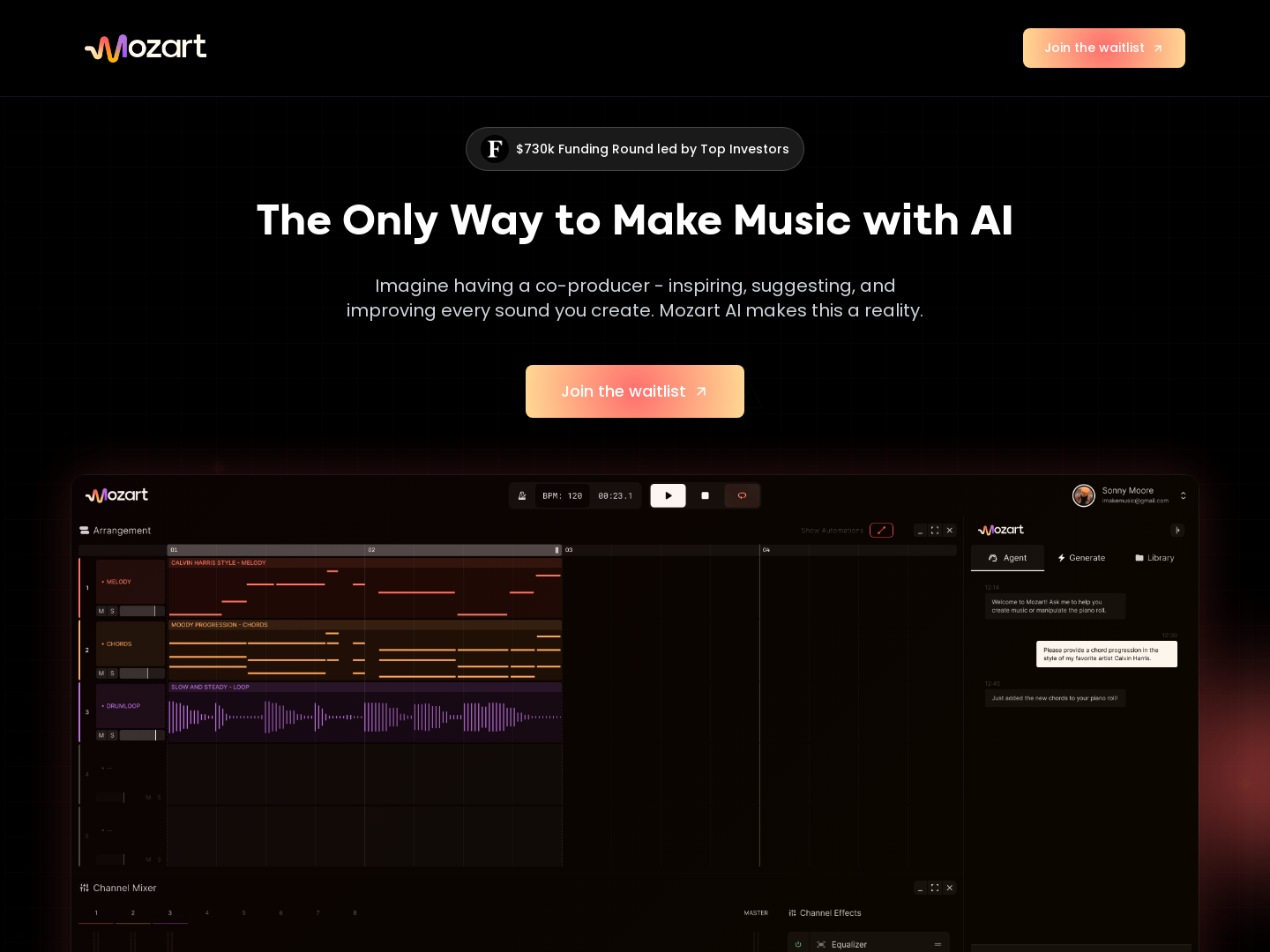
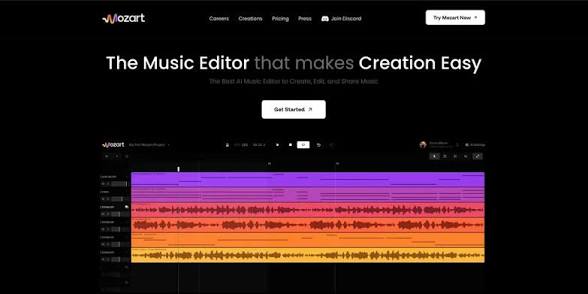
Mozart AI describes itself as an AI powered digital audio workstation rather than a one click generator, and that is not just marketing. When you prompt it, the output arrives as editable layers: drums, melodies, chords, bass and vocals on separate tracks. You can rearrange them, edit the MIDI, rebuild the structure and master the result.
Think of it as a co-producer that sketches the parts and then steps back. Anyone who has spent time in Logic Pro, Ableton or FL Studio will recognise the layout, only with the blank page problem removed. Export options cover WAV, MP3, MIDI and stems, which means a Mozart project can leave the platform and slot into a professional workflow. That single feature is the clearest reason to pick it over simpler rivals.
Browser first, phone second
The web app is where the depth lives. The iOS and Android apps are built for speed instead: describe a genre, mood, tempo or lyrics, get a track, and optionally turn it into a music video you can share straight to social media. The videos are fine for casual posting. Nobody should expect cinematic results.
The two mobile versions are not equal. The iOS app has been updated more often, with recent releases improving project saving, playback and library management. The Android app works, but some users report bugs, including updates that fail to load properly.
One firm piece of advice: get the Android app from the Google Play Store and nowhere else. Searches for a Mozart AI mod or cracked APK will turn up results, and those files are not endorsed by Arthos. They can carry malware, harvest personal data or simply not work. With 180 free credits on offer, there is no sensible reason to take that gamble.
Talking to it, and singing through it
Mozart AI accepts voice commands, so you can say something like "a chill lo-fi beat with soft piano and light drums" instead of typing it. On the web, that reportedly feels natural. On mobile, App Store reviewers say pickup is patchier, with the app sometimes catching only one or two keywords from a longer request.
The voice cloning tool is the more ambitious feature. Upload samples of your own singing and the platform builds a digital model you can apply to tracks. User feedback suggests it is promising but uneven: with noisy or short recordings, the cloned voice can come out flat and generic. Clean, high quality samples give it the best chance.
Credits are the real currency
Signing up takes an email address or a Google account, and no card is needed for the free tier. The plans break down like this:
- Free: 180 signup credits, basic generation, free downloads and commercial rights.
- Creator: regular song creation, the latest models and unlimited downloads, from around $10 a month.
- Pro: more credits, priority models, music videos up to one minute and advanced web editing.
- Premium: the most credits, every model, music videos up to four minutes and the full editing suite.
Pro and Premium pricing should be checked on the official site before you commit, since we have no confirmed figure for either. Monthly and annual billing are both offered. Credits reset each cycle and do not roll over.
That credit system is where most frustration lands. Users complain about credits spent on failed generations, lyrics that can't be edited before the final output and bugs that skip the proofreading step. Some also report mobile sessions expiring without warning, which logging out and back in usually fixes. None of this is unusual for a young app, but it stings when the failures cost you.
Leaving cleanly
Cancel through the same channel you used to subscribe, or billing may carry on. Web subscribers can cancel in account settings. On iPhone, go to Settings, then your Apple ID, then Subscriptions. On Android, open your subscriptions in the Google Play Store. Access continues until the period ends, and unused credits are neither carried over nor refunded.
Mozart AI or Suno?
The difference is philosophy. Suno turns a prompt into a finished track. Mozart AI turns a prompt into raw material you shape yourself. If you want a quick, complete song, Suno is simpler. If you want control over every layer, Mozart AI is the more flexible tool.
How we score it
Icon Polls rates Mozart AI 3.9 out of 5, an editorial score based on its feature set, published plan details and user feedback:
- Web app: 4.3. Genuine creative control.
- Mobile apps: 3.2. Functional, but buggy and hard on credits.
- Voice features: 3.5. Clever, inconsistent.
- Pricing and value: 4.2. Commercial rights on a free plan are rare.
- Overall: 3.9.
The DAW approach gives Mozart AI a real edge, and the free tier is generous. Fix the mobile apps and the credit losses, and a 4.5 is within reach. Still, software can draft a hook, but it hasn't produced a legend yet. If you'd rather back the humans, cast a vote for the greatest music artists of all time.
Worth asking
Can I release Mozart AI songs commercially?
Yes. Every plan, free included, comes with commercial rights, so you can put tracks on streaming platforms or use them in monetised videos without an extra licence.
Is the free plan enough to judge it?
For most people, yes. The 180 signup credits are plenty to test generation, the editor and exports before paying anything.
Which genres does it handle?
Pop, hip hop, R&B, electronic, rock, country, classical, lo-fi and more. You can blend genres too, though results on niche mixes vary.











