Anyone running more than one AI coding agent knows the chore. You write careful instructions for Claude Code, then rewrite them for Cursor, then again for Copilot, and each copy drifts a little further from the last. Skillkit exists because its creator, developer Rohit G, got tired of exactly that. Since launching on February 7, 2026, it has drawn steady attention on Product Hunt, GitHub and in developer communities. Eight months on, the fair question is whether it holds up once the launch buzz fades.
Our short answer: the core idea is excellent, the translation layer is the real reason to care, and nearly everything around it still asks a lot of the person using it.
Skillkit in brief
| What it is | Open source package manager for AI agent skills |
|---|---|
| Launched | February 7, 2026 |
| Created by | Rohit G |
| Website | skillkit.sh |
| Source code | github.com/rohitg00/skillkit |
| Price | Free |
| License | MIT |
| Interface | Command line only |
| Built with | TypeScript and Node.js |
| Python option | A separate skillkit package on PyPI, run by a different maintainer |
| Agents supported | 46, including Claude Code, Cursor, Codex, Copilot and Windsurf |
| Marketplace | Over 400,000 skills from 31 sources |
| Headline features | Cross-agent translation, Primer, Memory, Mesh |
| Product Hunt launch | #3 Product of the Day |
| Icon Polls rating | 3.5 out of 5 |
npm, but for how your agent behaves
The simplest way to understand Skillkit is to think of npm or pip. Those tools manage code libraries. Skillkit manages the instructions, knowledge and behaviours that AI coding agents lean on. You write a skill once, and Skillkit converts it so the same skill works across 46 different agents.
Around that sits a lot of extra machinery: session memory so an agent keeps what it has learned, a huge community marketplace, and a mesh network that lets agents talk to each other across machines. All of it runs from the terminal, and none of it costs money.
Translation is the whole pitch
If Skillkit did nothing but cross-agent translation, it would still be worth knowing about. Install a skill built for Claude Code and Skillkit rewrites it for Cursor, Codex, Copilot, Windsurf, Gemini CLI or any of the other supported tools. For developers who switch agents depending on the job, that removes a genuinely tedious kind of busywork.
Primer is the second feature that earns its place. It reads your project files and generates agent instruction files shaped around your codebase, drawing on documentation, your existing code patterns, the marketplace and even your past corrections. It works with Claude, GPT-4, Gemini, Ollama for local models, and anything available through OpenRouter. That breadth matters: you are not locked into one provider to use it.
The team features are ambitious, and still rough
Skillkit also lets you build teams of agents, hand out tasks, manage approvals and run code reviews inside one framework. Agents communicate over encrypted mesh networking, even when they sit on different machines. For a team running several agents at scale, that is a big promise.
It is also where the polish runs thin. Mesh setup, multi-agent teams and memory compression all demand a fair amount of reading and trial-and-error. These are the features that look best in a demo and ask the most of you in practice.
Living in the terminal
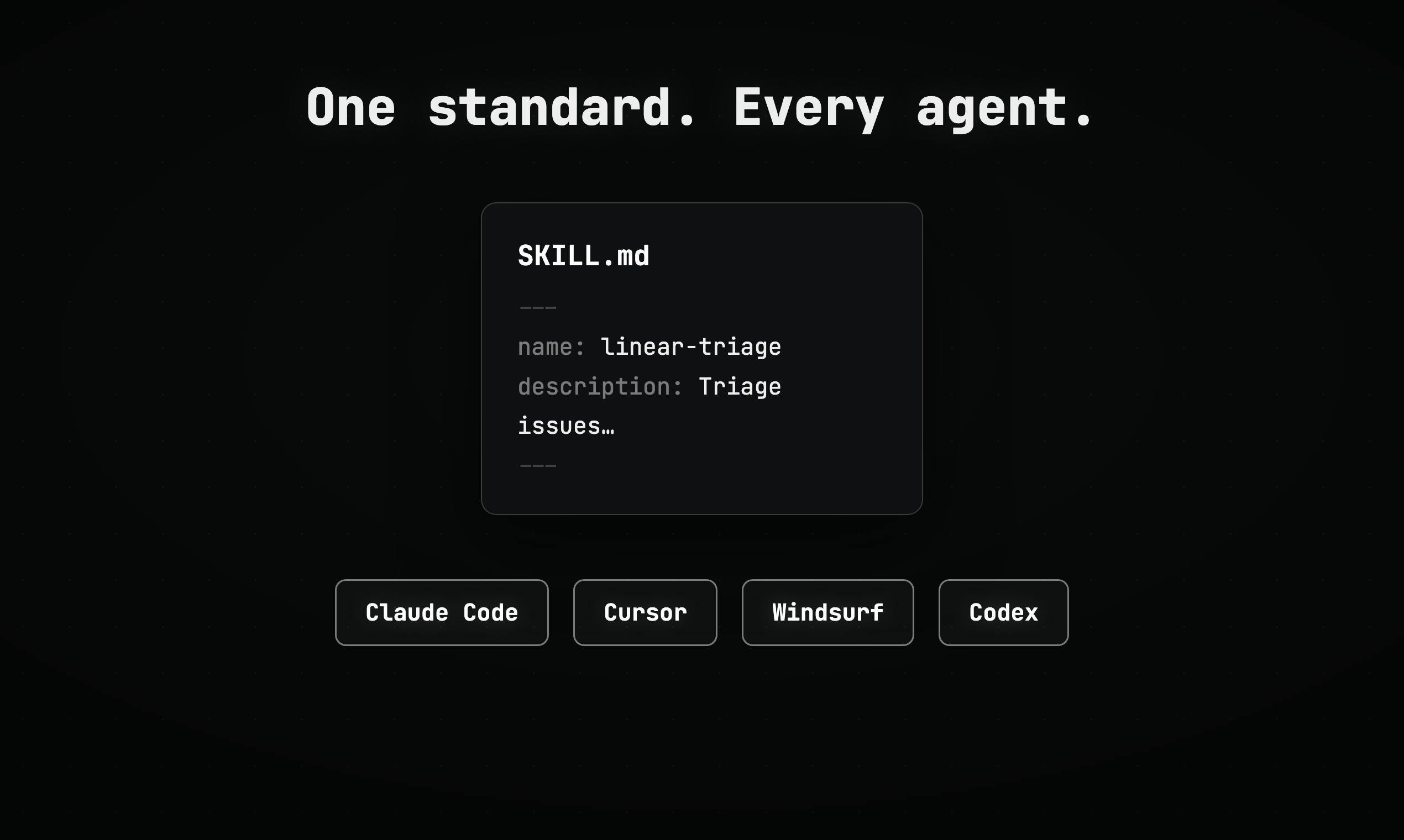
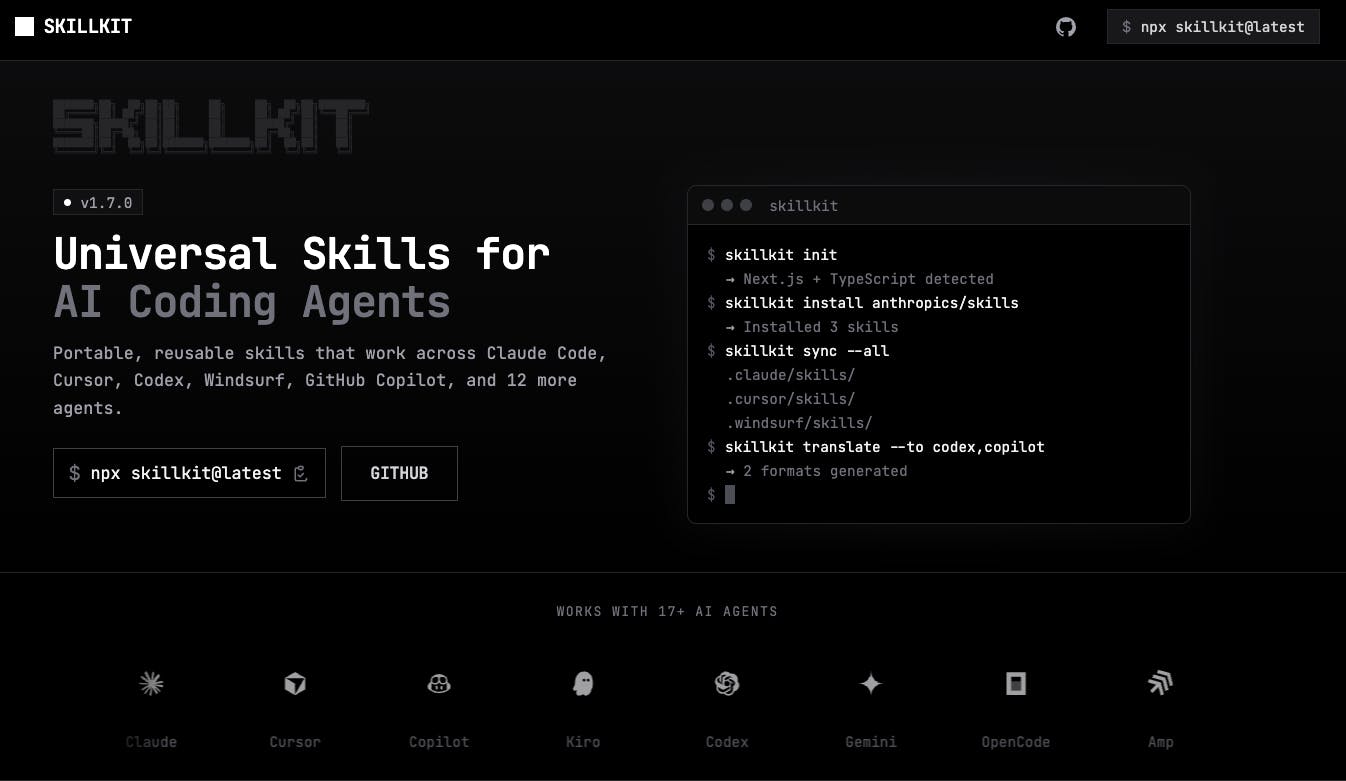
There is no graphical interface. That one fact shapes who Skillkit is for more than any feature list does. If typing commands makes you uneasy, this tool will feel intimidating.
For people already at home in a shell, the basics are well designed. Running npx skillkit init detects your installed agents automatically, and setup is described as taking under a minute. A command like skillkit add anthropics/skills pulls in a batch of official skills, runs a security scan and installs them in seconds. The recommend command suggests skills based on your actual project stack rather than a generic list, which is the right instinct for a marketplace this large.
The weak spot is documentation. It exists, but it is split across the GitHub README, the website and assorted community posts. One central, step-by-step guide would fix more frustration than any new feature.
Open source that actually means it
Plenty of tools call themselves open source and then fence off the good parts behind a paid tier. Skillkit does not. The repository at rohitg00/skillkit is active, with regular releases; version 1.23.0 added a slimmer install option and trimmed a lot of dependencies. The TypeScript codebase uses a monorepo with optional packages for the terminal UI, an API server, mesh networking and messaging, so you only pull in what you need.
One caution. Some open issues have sat unresolved for a while. For a project driven mainly by one developer plus community contributors, that is understandable, but it should give pause to anyone planning to build production workflows on top of it.
A separate story for Python users
The skillkit package on PyPI is related but separate, maintained by a different contributor, maxvaega. It brings Agent Skills to Python agents, reads existing SKILL.md files, works with LangChain, and can execute scripts in Python, Shell, JavaScript, Ruby and Perl. It also offers multi-source skill discovery, YAML frontmatter parsing and a progressive disclosure approach that the project says cuts memory use by about 80% when loading skills.
It is a sensible pick for Python-first pipelines that want skills without the Node.js CLI. Just treat it as the younger sibling, with a smaller community behind it.
The marketplace cuts both ways
Over 400,000 skills from 31 sources, including official collections from Anthropic, Vercel, Expo, Supabase and Stripe, gives you a head start on almost any kind of project. But size is not quality, and some marketplace skills are thin. Security deserves more thought than it usually gets here: a 2026 Snyk audit reported prompt injection in 36% of publicly available skills across the wider ecosystem. Skillkit's built-in scan on install is a smart default, not a guarantee. Stick to curated sources and read a skill before trusting it with real code.
Where we land: 3.5 out of 5
Skillkit solves a real problem, and the translation layer does it well. Here is how the balance looks to us:
- Worth it if you use several AI coding agents, live in the terminal and want one source of truth for agent instructions.
- Probably skip it if you rely on a single AI tool, prefer a visual interface, or need the stability of a mature project for production work.
The idea deserves a higher score than the current experience allows. Better docs and a gentler on-ramp would move it up quickly. If you enjoy comparing the tools and sites that shape how people work online, browse more reviews and fan-voting features on the Icon Polls blog and have your say.
Is Skillkit free?
Yes. It is MIT licensed with no paid tiers. Enterprise support may come later, but the core tool costs nothing.
How do you install it?
Run npm install -g skillkit, or use npx skillkit followed by any command without installing. The separate Python package installs with pip install skillkit.
Does it replace LangChain?
No. LangChain is a framework for building AI applications, while Skillkit manages agent skills. They can work together, since the Python package integrates with LangChain.











