
|
Profile Item |
Details |
|
Brand/Product Name |
Blink Agent Builder, commonly searched with Blink.new AI App Builder |
|
Main Category |
AI app builder, AI agent app builder, no-code and prompt-based development tool |
|
Best Known For |
Turning plain English prompts into hosted web apps, SaaS prototypes and AI-powered tools |
|
Official Website Reviewed |
blink.new |
|
Pricing Snapshot |
Free plan available, Starter at $25/month, Pro at $50/month, Max from $200/month, Team plan available |
|
Login Method |
Web-based login through the Blink platform |
|
Target Users |
Founders, creators, small teams, product testers, indie hackers and non-technical builders |
|
Major Strength |
Fast idea-to-prototype workflow with hosting, SSL, database and deployment handled inside the platform |
|
Major Concern |
Credit limits, possible pricing changes and the need for human review before publishing serious business apps |
|
ICON POLLS Rating |
3.5 out of 5 |
What Is Blink Agent Builder?
Blink Agent Builder is best understood as a prompt-based AI app builder. Instead of asking users to manually set up a database, hosting, authentication and frontend code, Blink tries to package those steps into one build experience. A user can type an app idea, make follow-up requests, preview the result and publish it faster than traditional development.
The product sits in the same modern category as AI builders that are often called vibe coding tools. These platforms are not only about generating a static website. They are designed to help users build interactive apps, AI tools, internal software and early SaaS products. That makes Blink attractive to founders and creators who want to test a product idea before hiring a full engineering team.
Blink Agent Builder AI Review in 2026
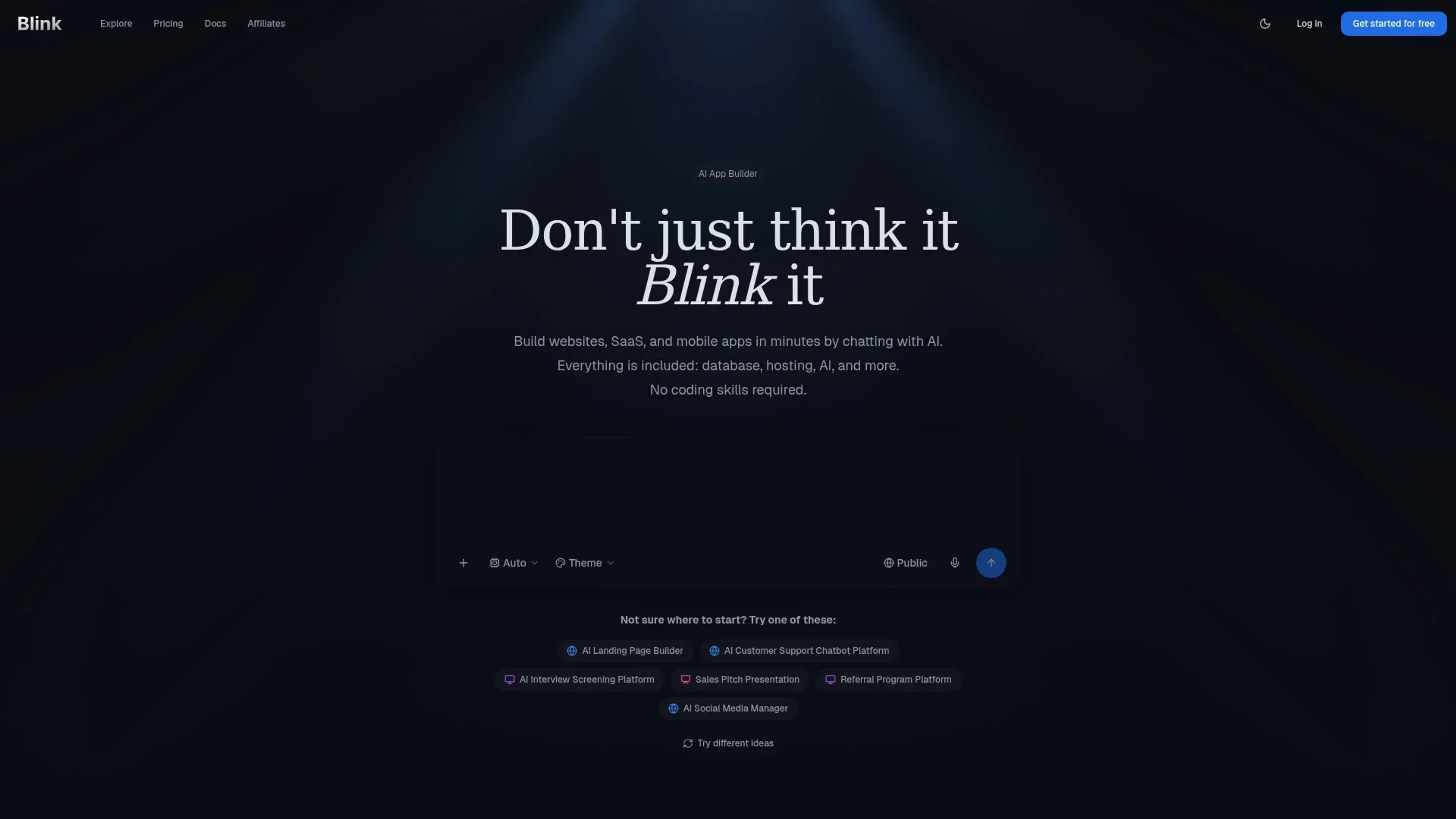
The AI side is the main reason people are searching for Blink. In daily use, the appeal is that you can write instructions in plain English. For example, a user can ask for a customer feedback dashboard, a simple booking app, a job board, a personal finance tracker or an AI research tool. Blink then attempts to generate the product structure and user interface.
ICON POLLS found that Blink’s strongest area is speed. It reduces the first step of app creation from days to minutes for simple ideas. The weaker area is control. Like many AI builders, the first output may need several rounds of correction. Some users will still need technical judgement to check data handling, security, payment flows and business logic. That is why we would not describe it as a full replacement for a developer in every case.
For beginners, the AI feels friendly. For experienced developers, it may feel fast but sometimes too opinionated. The best way to use Blink in 2026 is to treat it as a fast builder and early product assistant, not as a tool that should publish every idea without review.
Blink Agent Builder App Review
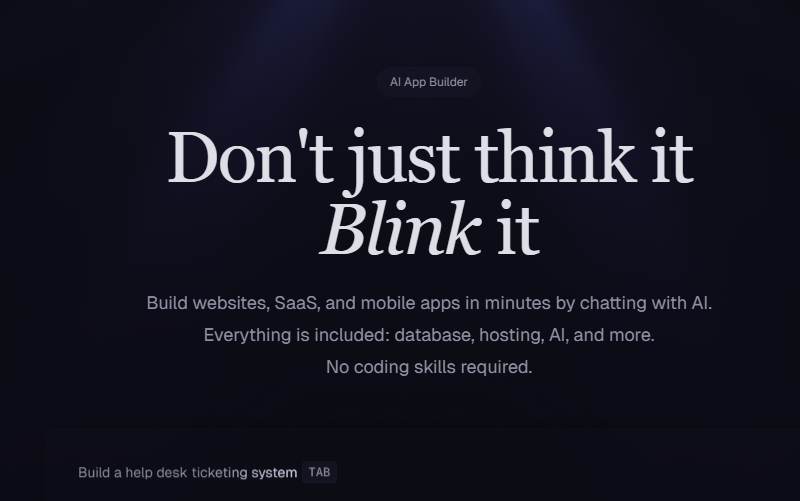
Blink is mainly experienced as a web app. The platform is built around the idea that users can start from a browser, describe what they want and manage the app build inside the same environment. This is good for accessibility because users do not need to install a heavy local development setup before testing an idea.
The app experience is clean enough for non-technical users. The workflow usually starts with a prompt, then preview, then edits, then deployment. That flow is easier to understand than a traditional developer stack with separate tools for hosting, database, authentication and frontend development.
Still, users should be realistic. A browser-based AI builder can feel smooth when the project is small, but bigger apps need clearer prompts and more testing. If the project has payments, sensitive customer data or complex workflows, a human review stage is important.
Blink Agent Builder AI Pricing in 2026
Pricing is one of the most searched topics around Blink Agent Builder. At the time of this review, the official Blink pricing information showed a free plan and paid plans using a credit model. The public pricing pages listed Free, Starter, Pro, Max and Team options. Starter was listed at $25 per month, Pro at $50 per month and Max from $200 per month. The Team plan is positioned for shared workspaces and business use.
The credit model is important. Users do not only pay for access, they also need to understand how credits are used when building and refreshing apps. This is where some beginners may get confused. A free plan is useful for testing, but anyone building regularly may need a paid plan.
ICON POLLS sees the pricing as fair for users who are actively building apps, but less attractive for people who only want to experiment once in a while. The value depends on how many projects you create, how often you revise them and whether the hosted output saves you time or outside development costs.
Blink Agent Builder Login
The Blink Agent Builder login process is web-based. Users typically go to the Blink website and sign in or create an account before building. The login page is important because saved projects, billing, credits and deployments are tied to the user account.
For new users, the best advice is to start from the official Blink website rather than random third-party links. This helps avoid fake login pages, outdated pages and misleading pricing claims. Users should also confirm the current plan details before entering payment information, because AI product pricing can change quickly.
Blink Agent Builder User Experience
The user experience is Blink’s biggest selling point. The platform takes a difficult process and makes it feel more like a conversation. A person with an idea can move from concept to a working preview without first learning every part of web development. That is valuable for bloggers, product marketers, small business owners, creators and startup founders.
The downside is that easy building can also create false confidence. A nice-looking app is not always a finished business product. Users still need to test buttons, forms, database actions, mobile layout, speed, user permissions and security. Blink makes the first draft easier, but it does not remove the need for quality checks.
Overall, the experience is good enough for a 3.5 rating. It is better than a simple website generator, but it still needs clearer education around credits, app limits, project export, long-term ownership and what users should review before launch.
Pros and Cons of Blink Agent Builder
Pros: Blink is fast, beginner friendly and useful for turning rough ideas into working app drafts. It reduces setup time, includes hosting features and makes AI app building feel less technical. It is also a practical tool for testing SaaS ideas before spending heavily on development.
Cons: Pricing depends on credits, which may confuse some users. Bigger apps can still require technical knowledge. The AI output may need repeated corrections. It is also not the best choice for highly regulated, security-heavy or enterprise-grade applications without expert review.
Frequently Asked Questions About Blink Agent Builder in 2026
1. What is Blink Agent Builder?
Blink Agent Builder is an AI app building platform that helps users create web apps and AI-powered tools by describing what they want in plain language.
2. Is Blink Agent Builder the same as Blink.new?
Most public searches connect Blink Agent Builder with Blink.new, the AI app builder platform. Users should use the official Blink website to avoid confusion with other products using the Blink name.
3. Is Blink Agent Builder free in 2026?
Blink has offered a free plan, but the exact credit limits can change. Users should check the official pricing page before building or subscribing.
4. How much does Blink Agent Builder cost?
At the time of this ICON POLLS review, official pricing listed a Free plan, Starter at $25/month, Pro at $50/month, Max from $200/month and a Team plan.
5. Does Blink Agent Builder need coding?
No coding is needed for basic use, but coding knowledge helps when reviewing complex features, fixing issues or preparing a serious app for launch.
6. Can Blink Agent Builder create AI apps?
Yes. Blink is designed for AI-powered apps and agentic app ideas, including tools that use AI features, data flows and hosted web interfaces.
7. Is Blink Agent Builder good for beginners?
Yes, it is beginner friendly because users can start with prompts instead of setting up a full development environment. Beginners should still test the final app carefully.
8. How do I log in to Blink Agent Builder?
Go to the official Blink website, choose the sign-in or login option and access your account from there. Avoid third-party login links.
9. Can Blink Agent Builder build mobile apps?
Blink is strongest for web apps. Some apps may work on mobile browsers, but users who need native iOS or Android app store builds should confirm supported export and deployment options.
10. Is Blink Agent Builder safe to use?
It can be safe for normal projects, but users should be careful with private data, payments, customer records and business-critical workflows. Sensitive apps need proper review.
11. Who should use Blink Agent Builder?
It is best for founders, creators, small teams, marketers and non-technical users who want to test product ideas quickly.
12. What are the main alternatives to Blink Agent Builder?
Common alternatives in the AI app builder space include tools such as Lovable, Bolt, Replit, Cursor-based workflows and other no-code or low-code app builders.











