Text-to-interface tools are crowding into the space between a napkin sketch and a working prototype, and FF Designer is FlutterFlow's bid for that ground. The pitch is simple: describe an app, get finished-looking screens back in seconds, then tidy them up yourself. On that narrow promise it mostly delivers. The bigger question is what happens next, because almost every road out of FF Designer leads back into FlutterFlow.
The tool in brief
| Product | FF Designer |
|---|---|
| Made by | FlutterFlow Inc. |
| Launched | February 19, 2026 |
| What it is | AI-powered UI design tool |
| Where it lives | designer.flutterflow.io (browser only) |
| Price | Free as of August 2026 |
| Built for | UI/UX designers, developers, product managers, startups |
| Core feature | Production-quality screens generated from text prompts |
| Editing | Full visual editing on an infinite canvas |
| Export | FlutterFlow import, PNG, agent-ready prompts |
| Agent integrations | Claude Code, Gemini CLI, Codex, Cursor (via MCP) |
| Mobile app | None |
| Monthly traffic | Roughly 76K visits (Q1 2026 estimate) |
| Icon Polls rating | 2.9 out of 5 |
One prompt, one screen
The workflow is about as short as software gets. You type something like "a food delivery app with a menu and checkout page" and FF Designer returns full screens, not wireframes. Spacing, typography, colour and component layout all arrive in place. You then keep editing, either by hand or with follow-up prompts.
FlutterFlow frames this as the bridge between brainstorming and building, and that's a fair description. Nobody has to stare at a blank canvas any more. Whether the bridge leads somewhere you want to go is another matter.
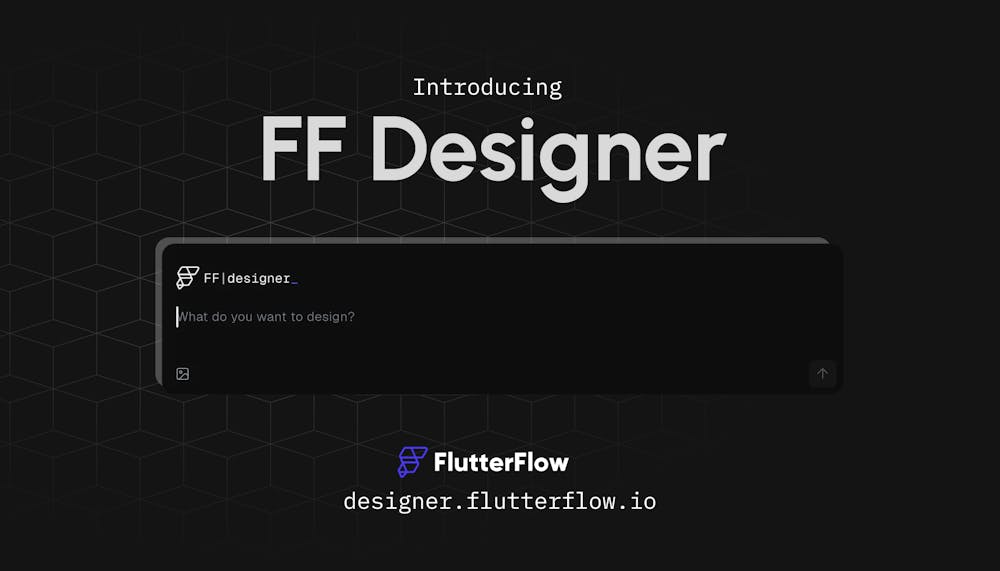
Getting in is quick. You create a FlutterFlow account or log in with an existing one, and Google sign-in is offered. There's no lengthy onboarding questionnaire; you land on the canvas and start generating. The only wrinkle is that you're signing up for the whole FlutterFlow platform, not a standalone design app. If you never plan to touch FlutterFlow, that can feel like more commitment than a quick mockup deserves.
A free door into a paid house
FF Designer cost nothing as of August 2026: no card, no trial clock, no hidden fees. FlutterFlow has said the free status is deliberate while it gathers feedback. Pricing can change, so check the site before relying on it.
The nuance is that the design step is free and the building step is not. Import your screens into FlutterFlow to make a working app and you meet its paid tiers, which at the time of the original review were listed at $39 a month for Basic, $80 for Growth and $150 for Business. Free screens are a very good way to get people into a paid platform. That's not sinister, but it's worth seeing clearly. We wouldn't be surprised to see premium features or paid tiers appear in FF Designer itself later.
Where the AI earns its keep, and where it wobbles
The generation is the best thing here. Screens come back fast and look modern, and common patterns are handled well: dashboards, login screens, profile pages, settings menus, product listings and checkout flows.
Iterating by prompt works reasonably, with caveats. Ask it to change a colour scheme or add a section and it usually obliges, though instructions are sometimes read too literally and small details occasionally get ignored. Consistency is the larger issue. The same prompt run three times can produce three noticeably different layouts. For exploring ideas, that's useful. For a repeatable workflow, it's a headache.
Developers get one genuinely smart extra. Through MCP, FF Designer connects to coding agents such as Claude Code, Gemini CLI and Codex, plus the Cursor IDE, so designs can be adjusted in natural language without leaving the terminal or editor. It's a small feature with a clear audience.
Good bones, thin toolbox
Everything generated is editable on the canvas: colours, fonts, spacing and component properties. You can build reusable components with variants and parameters, which helps keep a design system consistent across screens.
Past that, the toolbox runs out quickly. There's no deep prototyping, no advanced animation control and no plugin ecosystem. Collaboration features for teams are missing, and the original review also flagged the lack of a traditional undo history, which stings when you're iterating fast. Prompting is its own skill, too; vague prompts produce vague screens, so the learning curve is steeper than the marketing suggests. This is a tool for starting designs, not finishing them, and it won't pull serious designers away from Figma or Sketch.
Desktop only, in practice
There's no mobile app. On a laptop or desktop the infinite canvas loads well and the editor feels responsive. On a phone browser the canvas and toolbar aren't built for a small screen. Most real design work happens on big monitors anyway, but a tool for designing mobile apps that's awkward on mobile is an odd look.
Only one real exit
This is the heart of our hesitation. Outside FlutterFlow, your export choices are PNG screenshots or agent-ready prompts. There's no direct route into Figma or other popular design tools. If you're already building in FlutterFlow, that tight integration is a selling point. If you aren't, your work is effectively stuck as pictures. Add thin documentation and a small community, normal for a product this young, and outsiders have little to hold on to.
Why 2.9 and not higher
Icon Polls rates FF Designer 2.9 out of 5. The speed is real, the output is cleaner than many rivals manage, and free is hard to argue with. Against that sit unpredictable results, basic editing, no team features, a weak mobile experience and an export story that only makes sense inside one ecosystem.
For FlutterFlow users, solo founders and product managers who need a believable mockup by this afternoon, it's worth a try. As a replacement for the design tool you already use, it isn't there. Not yet. Got a view on which web tools actually earn a bookmark? Have your say in our vote for the world's most useful websites.
Before you sign up
Do I need a FlutterFlow account to use FF Designer?
Yes. FF Designer runs on FlutterFlow's account system, so you either log in with an existing account or create one, with Google sign-in available.
Can I move my designs into Figma?
Not directly. Exports are limited to FlutterFlow import, PNG images and agent-ready prompts for AI coding tools.
Who gets the most out of it?
People who need quick app screen drafts, especially those already working in FlutterFlow. Designers who want pixel-level control and prototyping depth will find it limiting.