
|
Brand Name |
Glam AI (GlamAI) |
|
Parent Company |
Glam Labs, Inc. |
|
Founder/CEO |
Paul Shaburov |
|
Headquarters |
San Francisco, California, United States |
|
Industry |
Generative AI, Photo & Video Editing, Beauty Tech |
|
Type of Service |
AI photo and video generator, virtual try-on, beauty filters |
|
Platforms Available |
iOS (App Store), Android (Google Play), Web (glam.ai) |
|
Free Plan |
Yes (limited daily coins and basic features) |
|
Paid Plans |
Pro (around $12/month), Ultra (around $29/month), annual plans from $2/month |
|
Free Trial |
7 day trial available (auto renews if not cancelled) |
|
Customer Support |
Email: [email protected], [email protected], in-app chat |
|
Official Websites |
glam.ai and getglam.app |
|
Languages Supported |
English, German, French, Japanese, Korean, Portuguese, Russian, Spanish, Turkish, Ukrainian, Chinese (Simplified) |
|
Refund Policy |
Web purchases: 14 day money back window with conditions. App store purchases: handled by Apple or Google |
|
ICON POLLS Rating |
2.6 / 5 |
Glam AI App Review in 2026
Glam AI is built and operated by Glam Labs, Inc., a San Francisco based company that positions itself as a creator first AI studio. The flagship product is the Glam AI app, which gives users access to AI photoshoots, AI video, virtual try ons, beauty makeup edits, hair simulations, daily AI shots from a single selfie, and trend based effects that get refreshed several times a week.
The app sits in a slightly different lane from tools like Midjourney or DALL E. Instead of asking users to write prompts from scratch, Glam AI gives you ready made templates and styles, then uses your uploaded photo as the base. You pick a look, the AI does the heavy lifting, and you get back something you can post in seconds. That low barrier to entry is a big part of why the app has spread so widely with non technical users in 2026.
Key Features We Tested
AI Photoshoots that turn one selfie into multi style studio looks, including travel, fashion editorial and black and white shots.
AI Daily Shots, a feed of fresh personalised images created from your saved profile photos.
Image to Video and Motion Swap features that animate still photos into short clips suitable for Reels and TikTok.
Digital Wardrobe and Video Digital Clothes, which let you swap outfits in photos and videos.
Beauty Makeup Editor with realistic skin smoothing, brow shaping and full glam looks.
Hairstyle previews that account for face shape and lighting, often outperforming dedicated hair apps.
AI avatars, talking avatars and viral effects (kiss, hug, muscle, block style and others) for ads and social posts.
|
Pros |
Cons |
|
Hundreds of AI styles, filters and trend packs to play with Decent face preservation on photoshoot styles Frequent updates with fresh effects three to four times a week Free plan and daily coin refills available Multi platform access on iOS, Android and web Beginner friendly interface, no prompt skills needed |
Many user complaints about unexpected charges after free trials Inconsistent results, including deformed faces and extra body parts Coins are deducted even when the output is unusable Refund process for app store purchases is slow and confusing No real human support, mostly an AI bot for first contact No in app search bar makes finding styles tedious |
Glam AI Subscription and Pricing in 2026
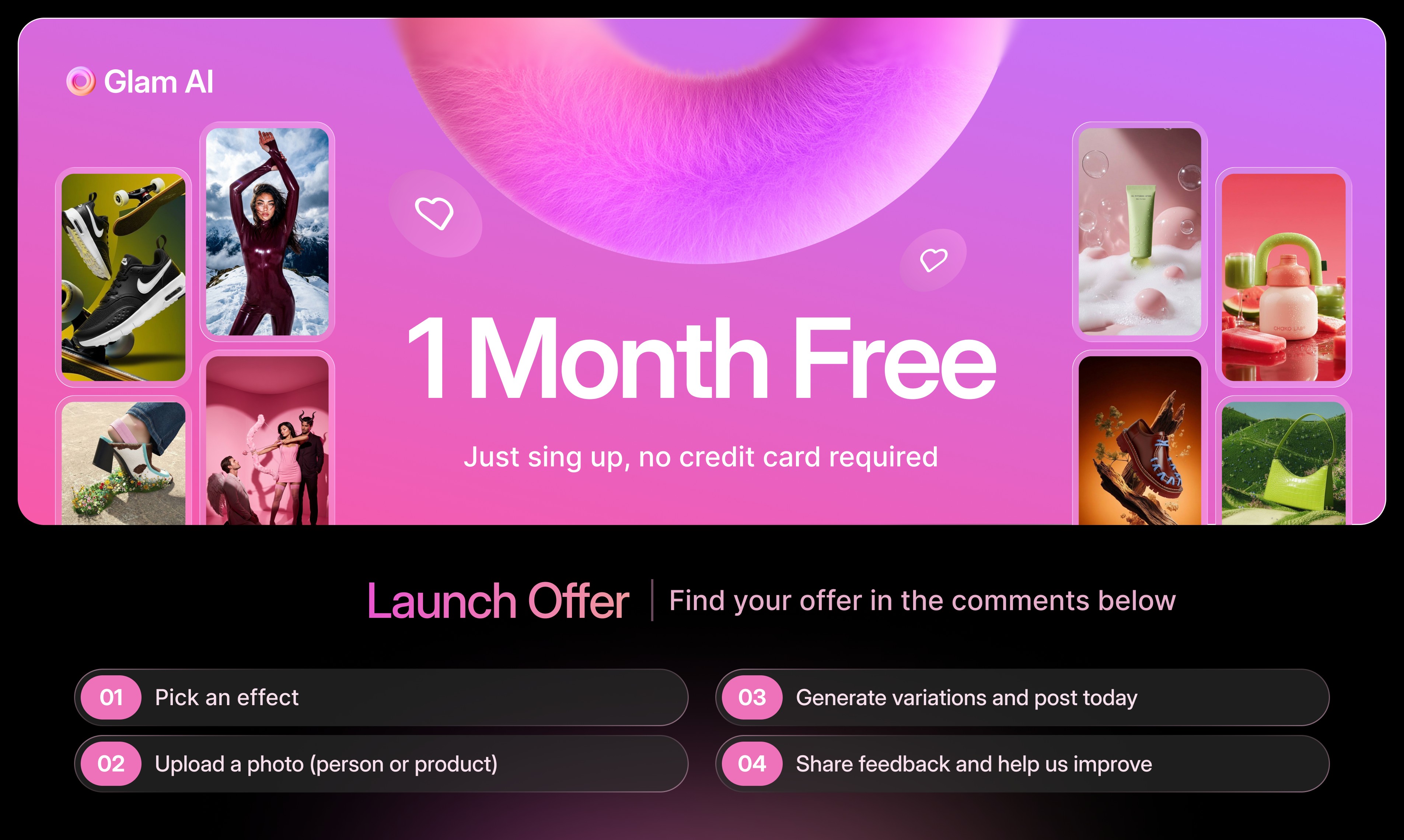
Glam AI runs on a freemium model with a coin or credit system layered on top. You can sign up for free, get a small daily refill of coins, and try basic features. To unlock the heavier models, unlimited generations, premium video tools and 4K outputs, you need to upgrade to a paid plan.
Current pricing tiers
Free: limited daily coins, access to entry level styles and basic image generation.
Annual entry plan: starts as low as around $2 per month when billed yearly, mainly to attract first time users.
Pro plan: around $12 per month, unlocks the full image model lineup, Motion Swap, Daily Shots and limited premium video.
Ultra plan: around $29 per month, adds top tier video models with synchronised sound, unlimited generations and 4K exports.
Glam AI also offers a 7 day free trial, which is the area where most billing complaints originate. The trial converts into a paid subscription automatically unless you cancel at least 24 hours before it ends. Several App Store and Google Play reviewers report being charged after they thought they had cancelled, after they had uninstalled the app, or shortly after the trial period rolled over. This is one of the strongest reasons our rating is held at 2.6.
How refunds work
If you bought the subscription on the website directly, Glam Labs will process refunds within 14 days of purchase under specific conditions, such as poor quality output or the web app not working properly. If you bought through the App Store or Google Play, you have to go through Apple or Google for refunds. Glam AI cannot process those itself, which is something users do not always realise until they try.
Our advice: if you sign up for the trial, set a calendar reminder for day six. Cancel inside the original purchase platform (App Store, Google Play or Glam AI website), not just by uninstalling the app. Uninstalling does not stop billing.
Glam AI Download Guide
Glam AI is available on three platforms in 2026, and you should always download from the official sources to avoid clones and scam apps that mimic the brand.
On iPhone or iPad
Open the App Store and search for Glam AI: Video and Photo Editor. The publisher should show as Glam Labs, Inc. Tap Get, install, and sign up with your email or Apple ID. The app supports iOS devices and is regularly updated.
On Android
Open Google Play and search for Glam AI: Video and Photo Editor by Glam Labs, Inc. Tap Install. Permissions for camera and gallery access are required for the AI features to work.
On Web
Go to glam.ai in any modern browser. The web version offers most of the same features and is often easier for billing management because subscriptions purchased on the website can be cancelled and refunded directly by Glam Labs, rather than going through Apple or Google.
Be careful with similarly named apps. There are several Glam Up, Glam Lab and Glam Beauty apps in the stores that are not affiliated with Glam Labs. Always check the developer name before installing.
Glam AI Careers
Glam Labs has been actively hiring throughout 2025 and 2026, mostly in remote and hybrid technical roles. The company runs a dedicated careers page at glam.ai/join-us where it posts open positions in machine learning, computer vision, frontend engineering, product, and a relatively new role they call AI Content Creator, which blends prompt engineering, design and creative strategy in one job.
Common roles posted recently
Machine Learning Engineer for recommendation systems, working on personalised content feeds.
Computer Vision Engineer focused on face and image generation models.
Frontend Engineer with React and TypeScript experience.
AI Content Creator and creative strategists for trend driven campaigns.
Product and growth roles supporting the consumer app.
What the company offers
Based on listings shared on LinkedIn and remote job boards, Glam Labs advertises remote first work, salaries in USD, partial healthcare reimbursement, learning and conference budgets, language classes and annual performance bonuses. The vibe across employee posts is that of a fast moving consumer AI startup with a heavy focus on shipping new features quickly. If you are looking for slow paced enterprise work, this is probably not your best match. If you enjoy shipping creative AI features that millions of people use, it is a strong place to look.
Glam AI User Experience
The user experience inside Glam AI is genuinely fun on first use. The onboarding is fast, often under two minutes from signup to your first generation. The interface guides you visually through styles, so you do not need to know anything about prompt engineering. Daily refills of free coins keep casual users coming back, and the constant flow of new effects gives the app a slot machine quality that is great for retention but can also push you toward upgrading sooner than you planned.
What works well
Beginner friendly interface that hides the complexity of the underlying AI models.
Fast generation times for most photo styles.
Trend based packs that match what is popular on TikTok and Instagram each week.
A built in community vibe with shared trends and viral hashtags.
What needs work
No search bar inside the app, so finding a specific style means scrolling through hundreds of templates.
No tutorials or onboarding tips for advanced features, which leaves new users guessing.
Coins are deducted even for unusable, deformed results.
Customer support is mostly an AI bot, and human agents are slow to respond when issues escalate.
Aggressive billing flow on the free trial, which has driven a wave of negative App Store and Google Play reviews.
The honest summary is that Glam AI is a great toy and a useful creator tool, but it is not a calm, predictable utility. You have to manage your subscription carefully, accept that some generations will fail, and be willing to fight a bit if you get charged unexpectedly. For users who do not mind that, the value can be high. For anyone who wants a frictionless, professional grade workflow, this is where the rating lands at 2.6.
Frequently Asked Questions About Glam AI in 2026
1. Is Glam AI safe to use?
Glam AI is a legitimate app published by Glam Labs, Inc., headquartered in San Francisco. It is available on the official App Store, Google Play and at glam.ai. The app itself is not malware, but users should be careful with the free trial because it auto renews into a paid subscription. Always read the billing terms before signing up, and avoid uploading sensitive personal photos you would not want stored on a third party server.
2. How much does Glam AI cost in 2026?
Glam AI offers a free plan with limited daily coins. Paid plans typically run from around $2 per month on long annual deals up to about $12 per month for Pro and around $29 per month for the Ultra plan, which unlocks premium video models and 4K outputs. Prices vary slightly by region and platform, and Glam Labs has updated pricing more than once in the last year.
3. How do I cancel my Glam AI subscription?
If you subscribed through the App Store, go to Settings, tap your Apple ID, then Subscriptions, find Glam AI and tap Cancel. On Android, open the Google Play app, go to Payments and Subscriptions, then Subscriptions, find Glam AI and cancel from there. If you bought directly on glam.ai, log in with the same email and cancel from your account, or email [email protected] with your transaction ID. Uninstalling the app alone does not cancel billing.
4. Can I get a refund from Glam AI?
It depends on where you bought the subscription. Web purchases on glam.ai may qualify for a refund within 14 days if you contact support and meet certain conditions, such as poor quality results or technical issues. App Store and Google Play purchases are handled by Apple or Google directly, and Glam Labs cannot refund those. Many users report that the refund process is slow, so cancel before any auto renewal triggers if you do not want to be charged.
5. Why did Glam AI charge me after I deleted the app?
Deleting the app from your phone does not cancel your subscription. The subscription is tied to your Apple ID, Google account or Glam AI web account, not the app itself. To stop billing, you must cancel inside the platform where you originally subscribed. This is one of the most common complaints in App Store and Google Play reviews in 2026, so check your subscription list whenever you uninstall any AI app.
6. Why do my Glam AI photos look deformed or not like me?
AI photo generation is not perfect, and Glam AI is no exception. Users often report extra fingers, distorted body proportions, faces that drift away from the original photo, and odd text in backgrounds. Results depend heavily on the photo you upload, the style you choose and the model used in the background. For best results, use a well lit, front facing photo, avoid heavy filters, and stick to styles that are clearly meant for portraits. If a result is unusable, report it through in app chat, although coin refunds are not guaranteed.
7. Is Glam AI better than Midjourney or other AI image generators?
They serve different purposes. Midjourney is built for prompt based creative imagery and gives more control to people who want to design original scenes. Glam AI is built around your face and your selfies, so it is better when you want to see yourself in different settings, outfits or aesthetics. If your goal is personal content for social media, beauty looks, or quick virtual try ons, Glam AI is more convenient. If your goal is concept art or fully imagined scenes, Midjourney or similar tools are stronger.
8. Does Glam AI have an API or business plan?
Yes. In 2026 Glam AI added an API for developers and an ambassador program with revenue sharing for creators who promote the platform. Business and agency users can access higher generation limits and advanced models through the Ultra tier or by contacting Glam Labs directly. This makes the platform a viable option for small content agencies, influencer teams and ecommerce brands that need a steady supply of AI visuals without juggling multiple subscriptions.
9. Who owns Glam AI and where is the company based?
Glam AI is owned by Glam Labs, Inc., a privately held company headquartered in San Francisco, California. The CEO and public face of the company is Paul Shaburov, who regularly posts about the product on LinkedIn. The company hires globally, with team members across the United States, Europe and parts of Asia.
10. Is Glam AI worth it in 2026?
That depends on what you want from it. For casual creators, hobbyists and small social media managers who want trendy AI content with very little effort, Glam AI delivers something genuinely useful at a low entry price. For professionals who need predictable quality, transparent billing and strong customer support, the experience can feel rough. ICON POLLS rates Glam AI at 2.6 out of 5 in 2026 because the creative output is impressive when it works, but the billing practices, inconsistent results and weak human support pull the score down. Try the free plan first, set a reminder before any trial ends, and decide for yourself whether the upside is worth the friction.











