The newsroom of 2026 looks nothing like it did even two years ago. Journalists and bloggers who once spent entire mornings buried in browser tabs, cross referencing sources and chasing down background information, are now handing the heavy lifting to AI research assistants that can synthesise, cite, transcribe, and verify in a fraction of the time. The shift is not theoretical. According to a Reuters Institute survey, nearly half of UK journalists now use AI tools at least monthly, and that figure continues to climb across every major media market.
But here is the thing. Not every AI tool is built for the kind of work journalists actually do. There is a meaningful difference between a chatbot that gives you a passable summary and a research assistant that delivers cited sources you can trace back to primary documents. The best tools for this profession are the ones that make you faster without making you sloppy, the ones that accelerate the research and production process while keeping editorial standards intact.
Icon Polls spent weeks testing, comparing, and evaluating the AI tools that journalists and bloggers are actually reaching for in 2026. What follows is our ranking of the ten that matter most right now.
At a Glance: The Top 10 Compared
|
Rank |
Tool |
Best For |
Starting Price |
Key Strength |
|
1 |
Perplexity Pro |
Real time research |
$20/month |
Cited web synthesis |
|
2 |
Google NotebookLM |
Document analysis |
Free |
Source grounded answers |
|
3 |
Claude (Anthropic) |
Deep research and writing |
$20/month |
200K token context |
|
4 |
ChatGPT Deep Research |
Comprehensive reports |
$20/month |
Multi source reports |
|
5 |
Google Pinpoint |
Investigative journalism |
Free |
200K file analysis |
|
6 |
Otter.ai |
Interview transcription |
$8.33/month |
Real time transcription |
|
7 |
Descript |
Audio and video editing |
$24/month |
Text based media editing |
|
8 |
Elicit |
Academic source analysis |
Free tier available |
Paper extraction |
|
9 |
Grammarly |
Editing and clarity |
Free tier available |
Grammar and tone |
|
10 |
Consensus |
Scientific fact checking |
Free tier available |
Research consensus |
1. Perplexity Pro
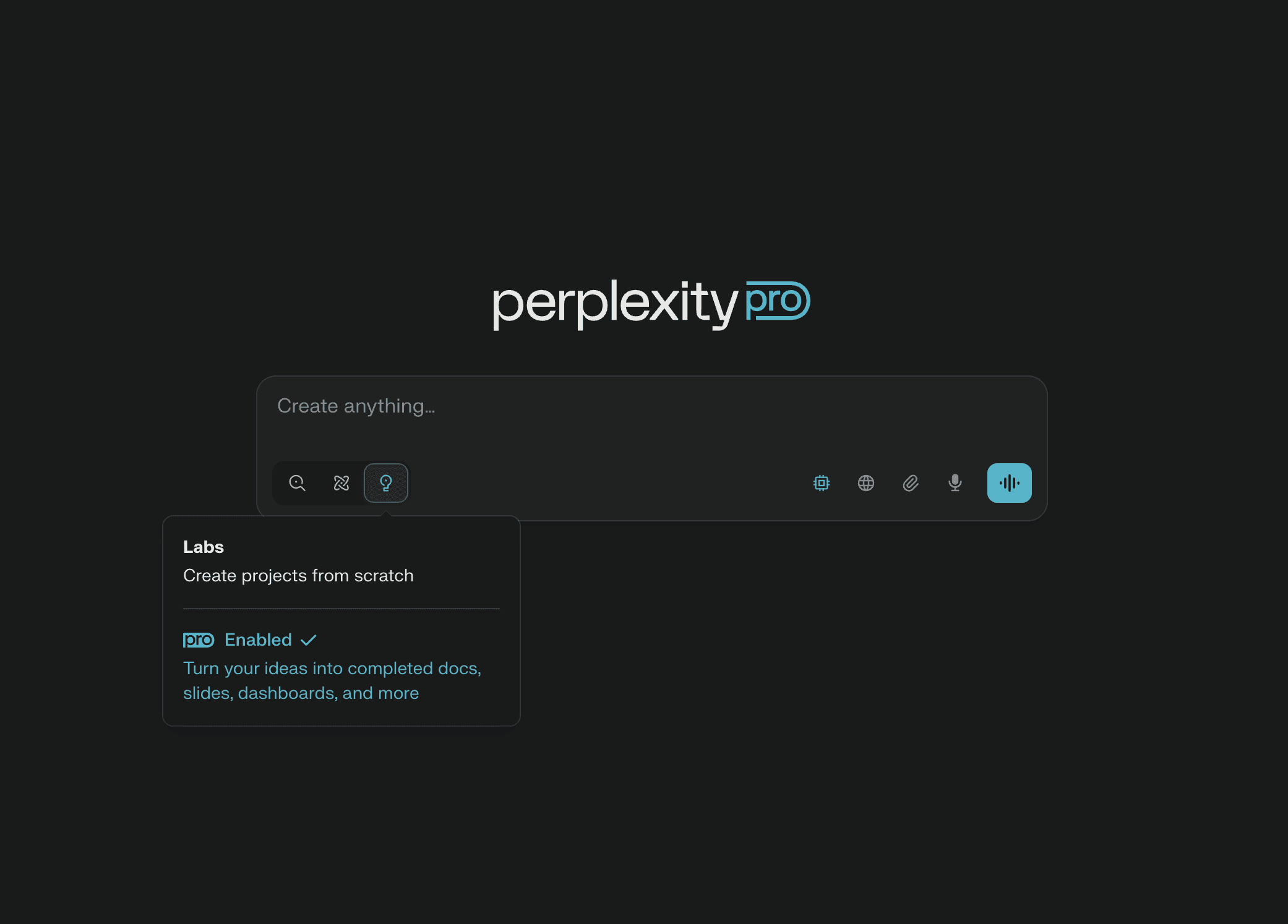
Perplexity has carved out a unique space in the AI landscape by doing something deceptively simple: answering questions with citations. Ask it about recent regulatory changes, emerging policy debates, or the background of a public figure, and it returns a synthesised answer with inline links to the sources it pulled from. For journalists, that changes the research workflow entirely. Instead of scanning ten tabs and piecing together context yourself, you get a starting point that already has receipts.
The Pro plan at $20 per month gives access to stronger underlying models, including Claude, GPT, and open source alternatives, along with unlimited searches. Journalists use it most effectively for building source lists on unfamiliar beats, cross referencing claims before interviews, and catching up on stories where the training data of a static model would fall behind. The limitation is real but manageable: Perplexity cites its sources, but it can still summarise them inaccurately. Treat it as a research accelerator, never as the final word.
2. Google NotebookLM
Google's NotebookLM has become one of the most quietly powerful tools in a journalist's kit. It is not a writing assistant. It is a research companion that only answers from the documents you feed it, which nearly eliminates the hallucination problem that plagues general purpose AI tools. Upload a stack of PDFs, transcripts, or web pages, and it builds a knowledge base you can interrogate. Every answer comes with citations pointing back to your sources.
The 2026 updates have been significant. NotebookLM now supports video overviews, image OCR, CSV files, and holds roughly a million tokens of context with saved chat history. The Audio Overview feature, which converts your uploaded materials into a podcast style conversational summary, remains genuinely unique. No other tool does this. For investigative reporters working through mountains of documents, NotebookLM paired with Google Pinpoint creates a formidable research pipeline. The base version is free, with paid tiers bundled into Google AI plans starting at $7.99 per month.
3. Claude (Anthropic)
Claude has established itself as the thinking person's AI assistant. Where other tools excel at speed or source retrieval, Claude's strength is depth of reasoning. Its 200,000 token context window is the largest among major models, which means you can feed it an entire report, a full transcript, or a lengthy legislative document and have it analyse the whole thing without losing the thread. For long form journalists and feature writers, that is a game changer.
Claude Projects allows you to upload documents and create persistent workspaces around a story or beat. The deep research feature produces multi source reports that rival what a junior researcher might put together in a day. Claude returns detailed page numbers and paragraph anchors in citations, not just document level references, which significantly reduces fact checking time. The Pro plan runs $20 per month, with a $100 Max tier for heavy sustained use. Icon Polls found it particularly strong for writers who need to reason through complex topics rather than just retrieve surface level information.
4. ChatGPT Deep Research (OpenAI)
OpenAI's Deep Research mode, available through ChatGPT, takes a different approach to the research assistant concept. Rather than answering quick questions, it conducts extended multi step investigations, pulling from dozens of web sources and producing comprehensive reports that can run thousands of words with footnotes. For bloggers working on pillar content or journalists producing in depth explainers, it handles the kind of background synthesis that would otherwise take an afternoon.
The Plus plan at $20 per month covers most needs, though writers performing heavy research may hit usage limits within eight to ten days and need the $200 per month Pro tier. The web browsing capabilities mean it works with current information rather than being stuck behind a training cutoff. It is best suited for comprehensive background pieces rather than quick fact checks, where Perplexity tends to be faster and more precise.
5. Google Pinpoint
Pinpoint is part of Google's Journalist Studio, and it is built specifically for the kind of work that investigative reporters do. It handles up to 200,000 files per collection and can transcribe audio, read handwritten notes, and automatically identify key people, organisations, and locations across thousands of documents. For anyone working through leaked files, court records, or FOIA dumps, Pinpoint is indispensable.
The best part is the price: free. There is no premium tier, no usage limit that matters for most journalists, and no strings attached. The practical constraint is that it helps you find the story but does not write anything for you. That is actually a feature, not a limitation, for journalists who want research support without the risk of AI generated copy slipping into their work. Icon Polls rates Pinpoint as the single best tool for document heavy investigations.
6. Otter.ai
Interviews are the backbone of journalism, and transcription is the unglamorous task that follows every single one. Otter.ai has become the default choice for journalists who need reliable, affordable transcription without a steep learning curve. The Pro plan at $8.33 per month (billed annually) delivers strong accuracy on clean audio, works well on mobile, and costs little enough that most freelancers can justify it without thinking twice.
Beyond basic transcription, Otter generates summaries, identifies speakers, and highlights key moments. For reporters covering press conferences, conducting phone interviews, or recording roundtable discussions, it turns hours of manual transcription into minutes of light editing. The accuracy drops on noisy recordings, which is worth knowing if you regularly interview sources in cafes or on the street, but for controlled environments it performs well. Several newsroom surveys have identified it as the most widely adopted AI tool among working journalists in 2026.
7. Descript
Descript occupies a unique niche by blending transcription with multimedia production. You record or import audio and video, get an editable transcript, and can cut media by editing text. Delete a sentence in the transcript and the corresponding audio or video disappears. For podcast journalists, video reporters, and anyone producing audio documentaries, this is a fundamentally different kind of editing experience.
The Studio Sound feature, which cleans up audio quality using AI, is legitimately useful for broadcast quality output. Automatic filler word removal saves time in post production. The tool starts at $24 per month and scales up for team use. It is not a general purpose writing assistant, and Icon Polls recommends it specifically for journalists who produce audio or video content rather than text only reporters. For that audience, nothing else comes close to its workflow integration.
8. Elicit
Elicit was built for academic research, but its strengths translate directly to journalism that requires evidence based reporting. It searches academic papers, extracts key findings, and synthesises results across multiple studies. For health reporters, science journalists, and policy writers who regularly need to reference peer reviewed research, Elicit cuts the literature review process from days to hours.
The tool focuses on accuracy over speed. It produces carefully curated syntheses from high quality papers rather than generating rapid strings of references that may or may not be relevant. A free tier is available for basic use, with paid plans for heavier research loads. Where Perplexity gives you the web and NotebookLM gives you your own documents, Elicit gives you the academic literature, and it does so with a level of citation reliability that general purpose chatbots simply cannot match.
9. Grammarly
Grammarly might feel like an obvious inclusion, but dismissing it as just a spell checker would be a mistake. In 2026, it functions as a comprehensive editing assistant that catches grammatical errors, improves clarity, adjusts tone, and flags readability issues. For journalists on tight deadlines, it serves as a reliable second pair of eyes that catches the kind of errors that slip through when you are filing at speed.
The free tier handles basic grammar and spelling. The Premium plan adds advanced suggestions around clarity, engagement, and delivery. For bloggers who do not have access to a professional editor, Grammarly fills a genuine gap. It does not replace editorial judgment, but it reliably catches the mechanical errors that undermine credibility. In a profession where a single typo in a headline can become its own story, that matters more than people tend to admit.
10. Consensus
Consensus answers a very specific question that journalists face regularly: what does the research actually say? It searches across millions of peer reviewed papers and synthesises the scientific consensus on a given topic. Ask whether a particular treatment works, whether a policy achieves its stated goals, or what the data says about a contested claim, and Consensus pulls together the evidence with clear citations.
For fact checkers, health reporters, and anyone covering science or policy, it is an invaluable tool for quickly establishing what the weight of evidence supports. The free tier covers basic searches, with paid plans for more intensive use. It works best as a verification tool, letting you confirm or challenge claims before they make it into your copy. In an era where misinformation spreads faster than corrections, having a reliable way to check what the research says is not a luxury. It is a necessity.